All tutorials
Tutorial · Getting Started
Your first steps after signing up
Right after you sign up, the app walks you through your first Collection and your shop in a few screens.
What you'll learn
- What the app asks you at the start
- How to make your first Collection on the way
- What you can skip and do later
-
1STEP ONE
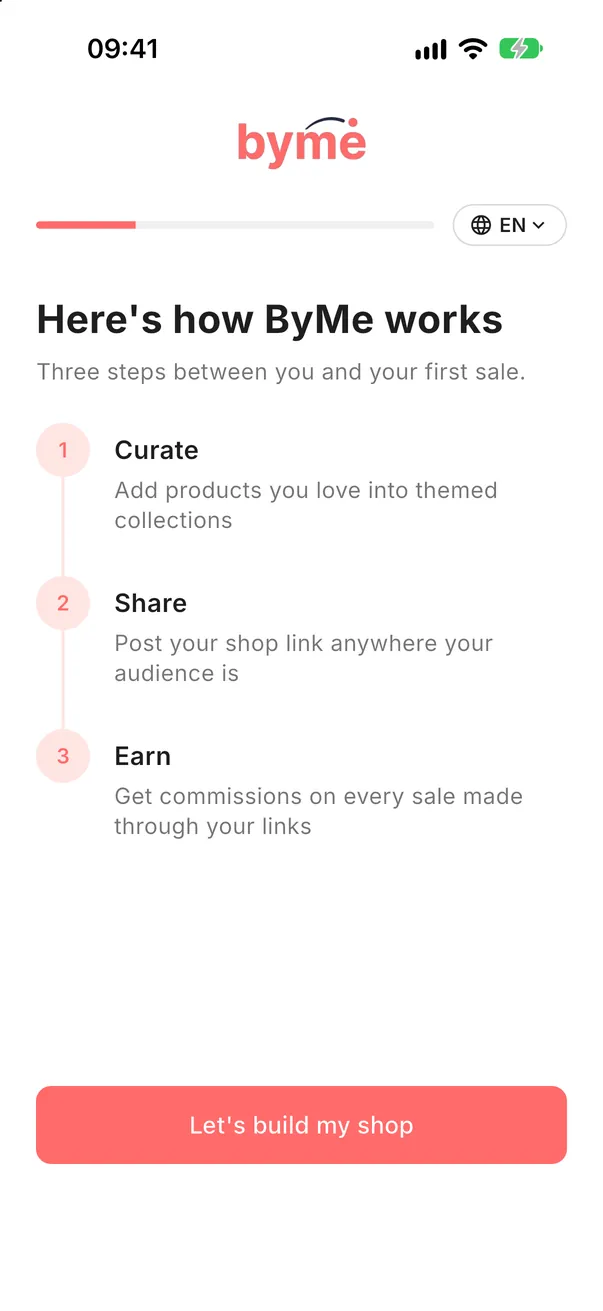
See how ByMe works.
The first screen shows the three steps: Curate, Share, Earn. Tap Let's build my shop.
-
2STEP TWO
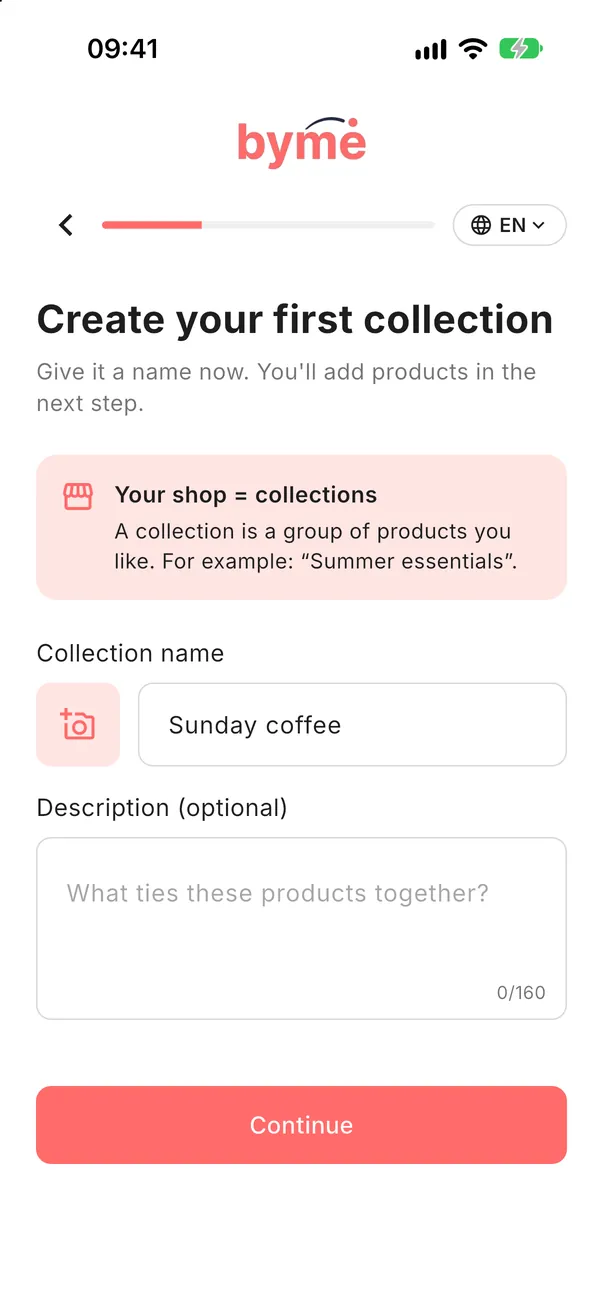
Name your first Collection.
Give your first Collection a name. You add the products in the next step.
-
3STEP THREE
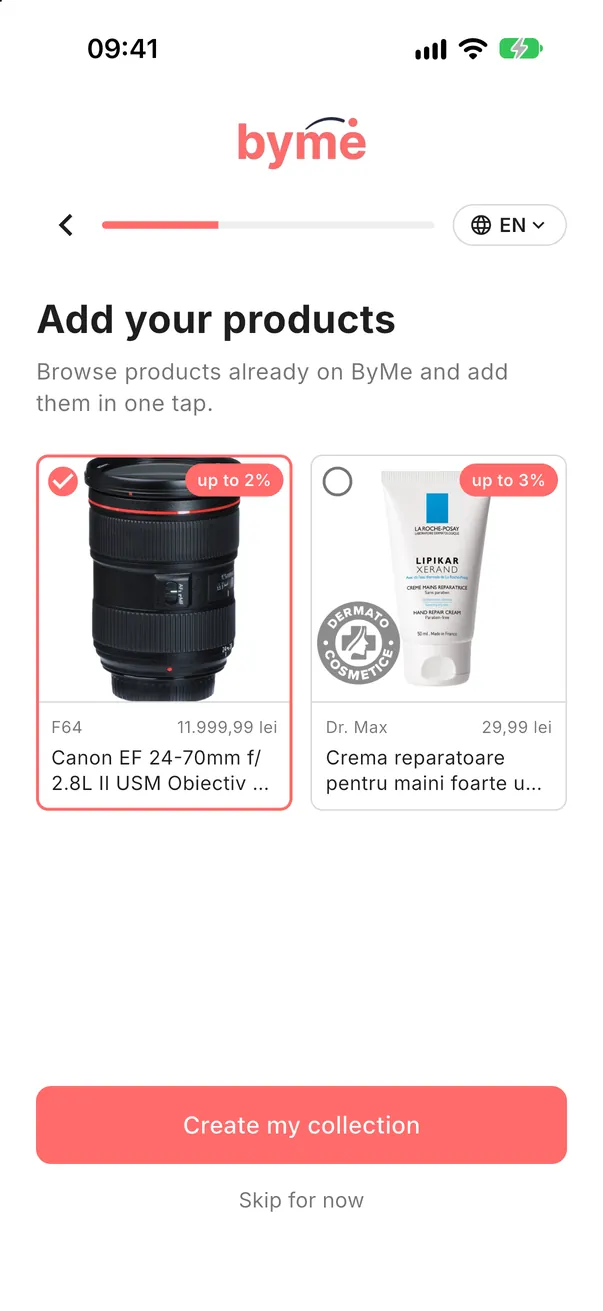
Add a few products.
Tap a few products already on ByMe (each shows the commission you can earn), then tap Create my collection.
Good to knowIn a hurry? Tap Skip for now and add products later.
-
4STEP FOUR
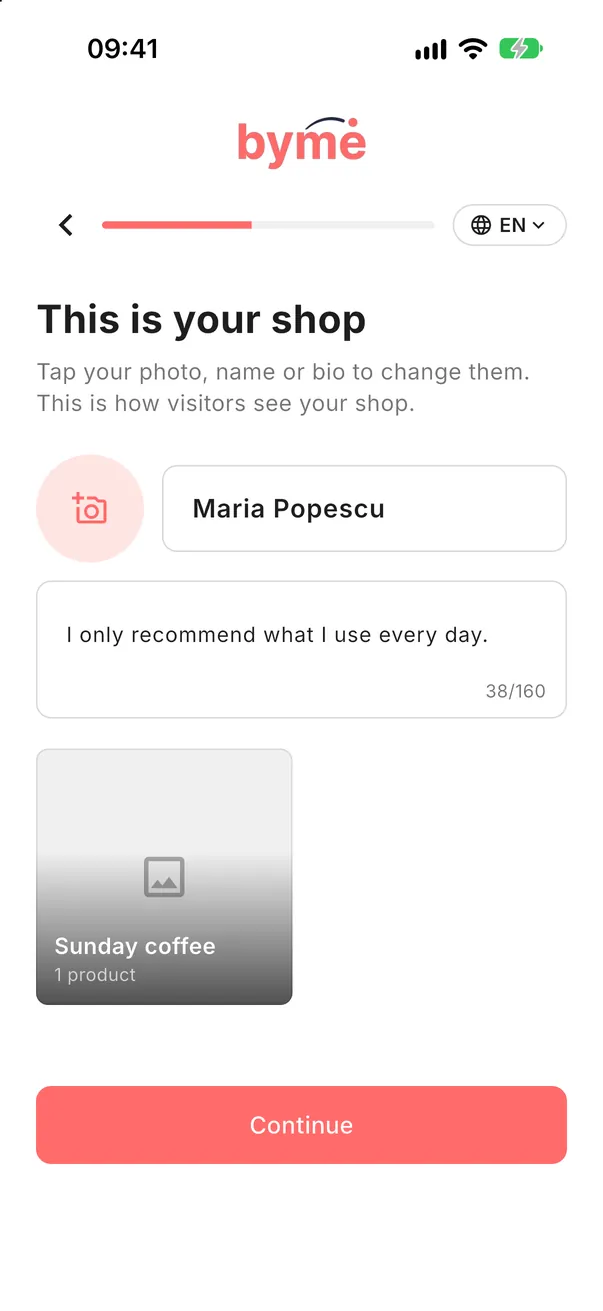
Set up your shop.
This is how visitors see your shop. Tap your photo, name or bio to change them. Then the app asks for your phone number, date of birth, where your audience is and whether you want notifications.
Good to knowYour phone number is used to keep your account secure and for payouts; it is not shown to visitors.