
All tutorials
Tutorial · Getting Started
How to change the app's language
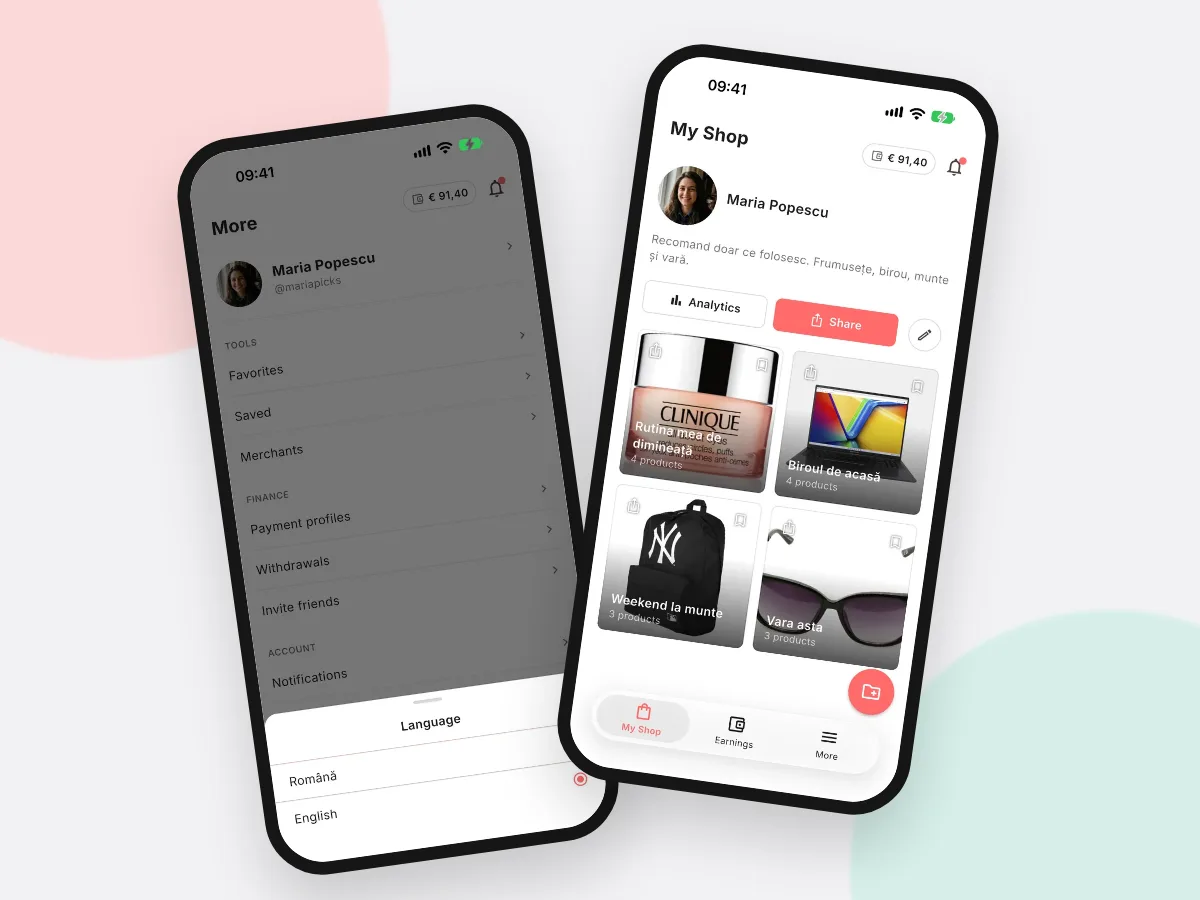
The ByMe app speaks English and Romanian. Switch between them with one tap.
What you'll learn
- Where to change the language
- Which languages there are
-
1STEP ONE
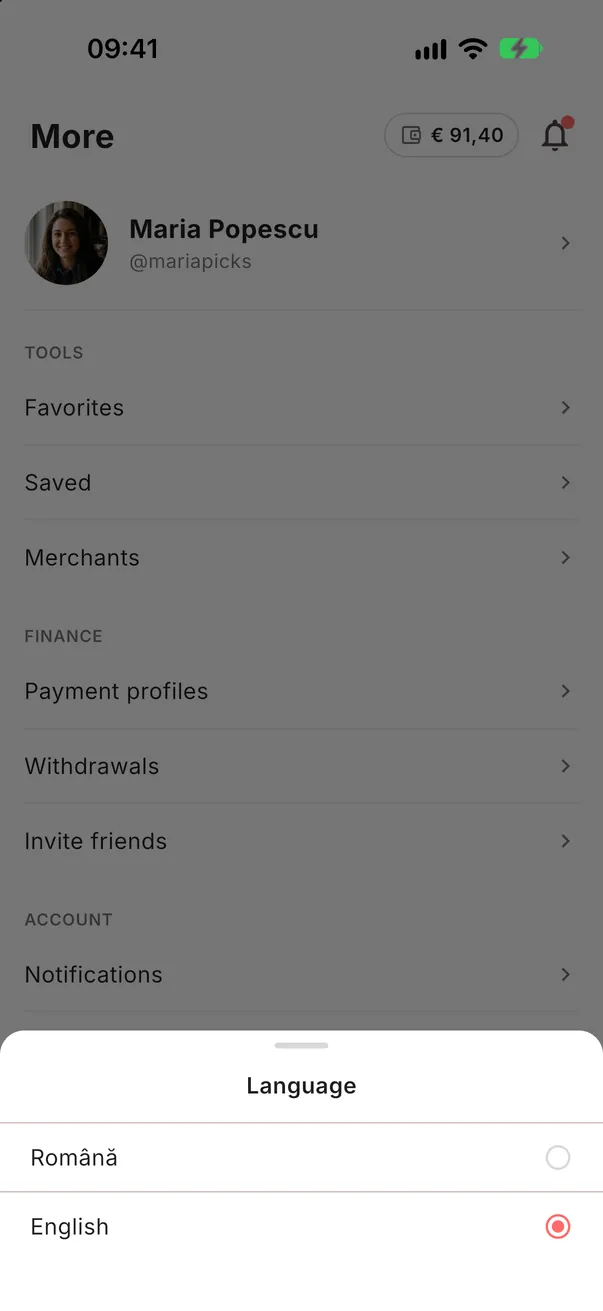
Open More → Language.
Tap More at the bottom, then Language, and choose English or Română. Before you sign in, the language button is at the top right of the screen.
-
2STEP TWO
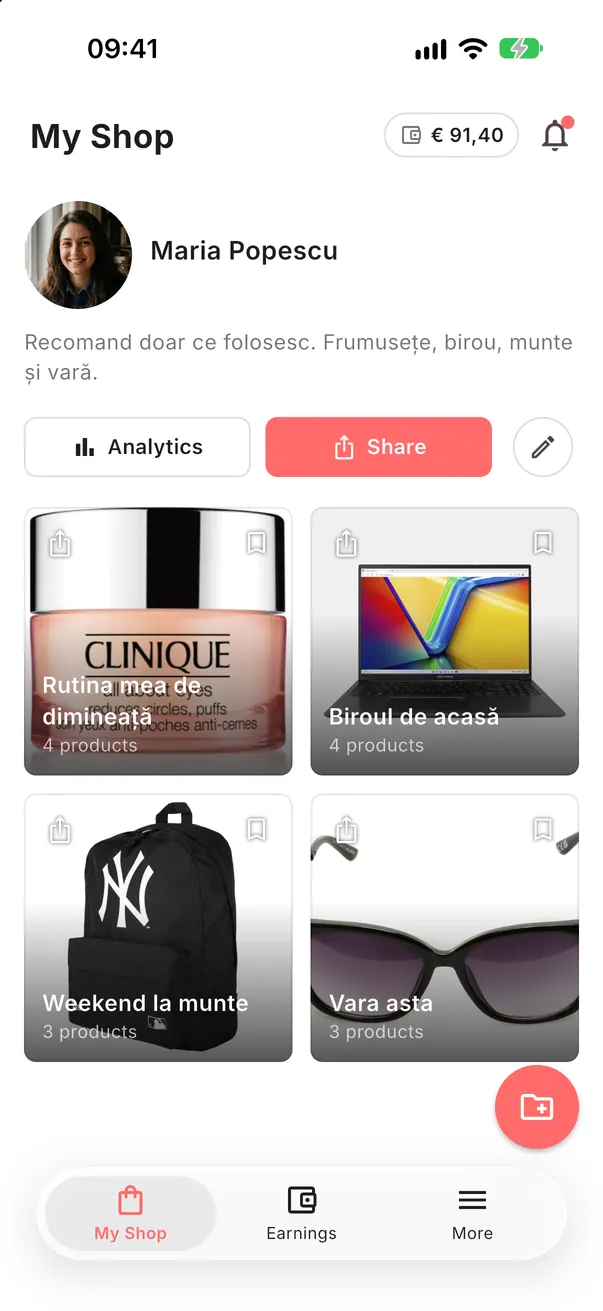
Everything changes at once.
The whole app switches right away. Your Collections, products and texts you wrote stay as they are.
Use it in your language.
Switch whenever you like; your shop and Collections stay the same.
Open the app