
All tutorials
Tutorial · Monetization
How to choose the right partner
Commission, cookie days and approval time: what to look at before you add products from a shop.
What you'll learn
- Where to see each partner's details
- What commission, cookie days and approval mean
- How to compare two shops
-
1STEP ONE
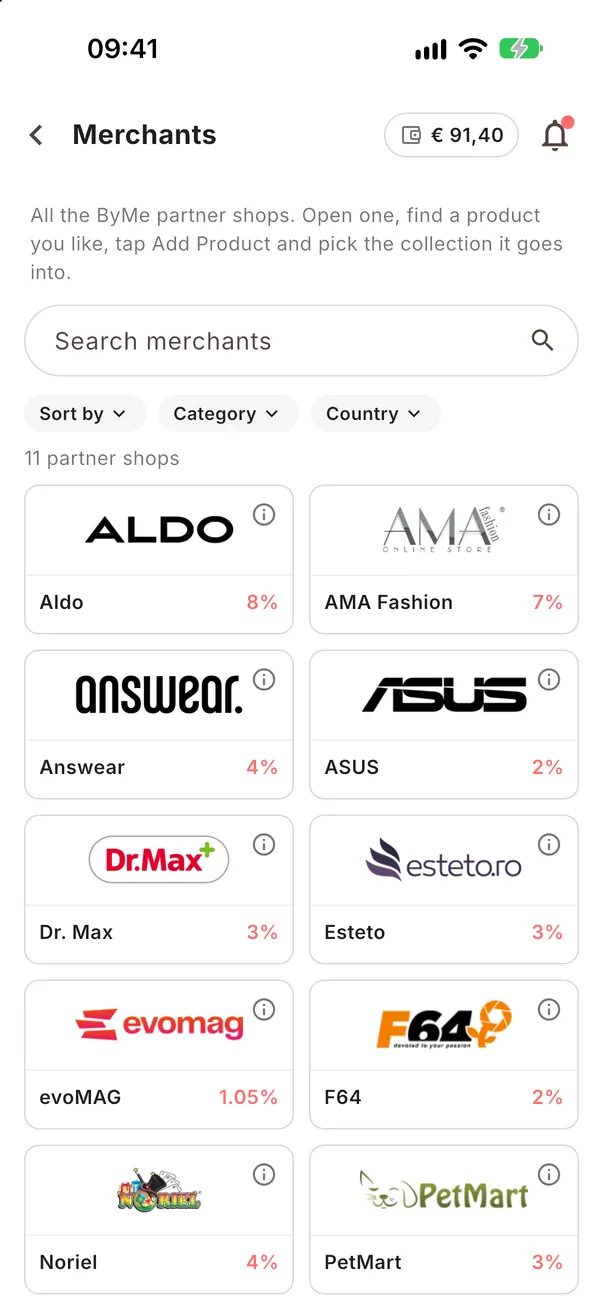
Open the list of partners.
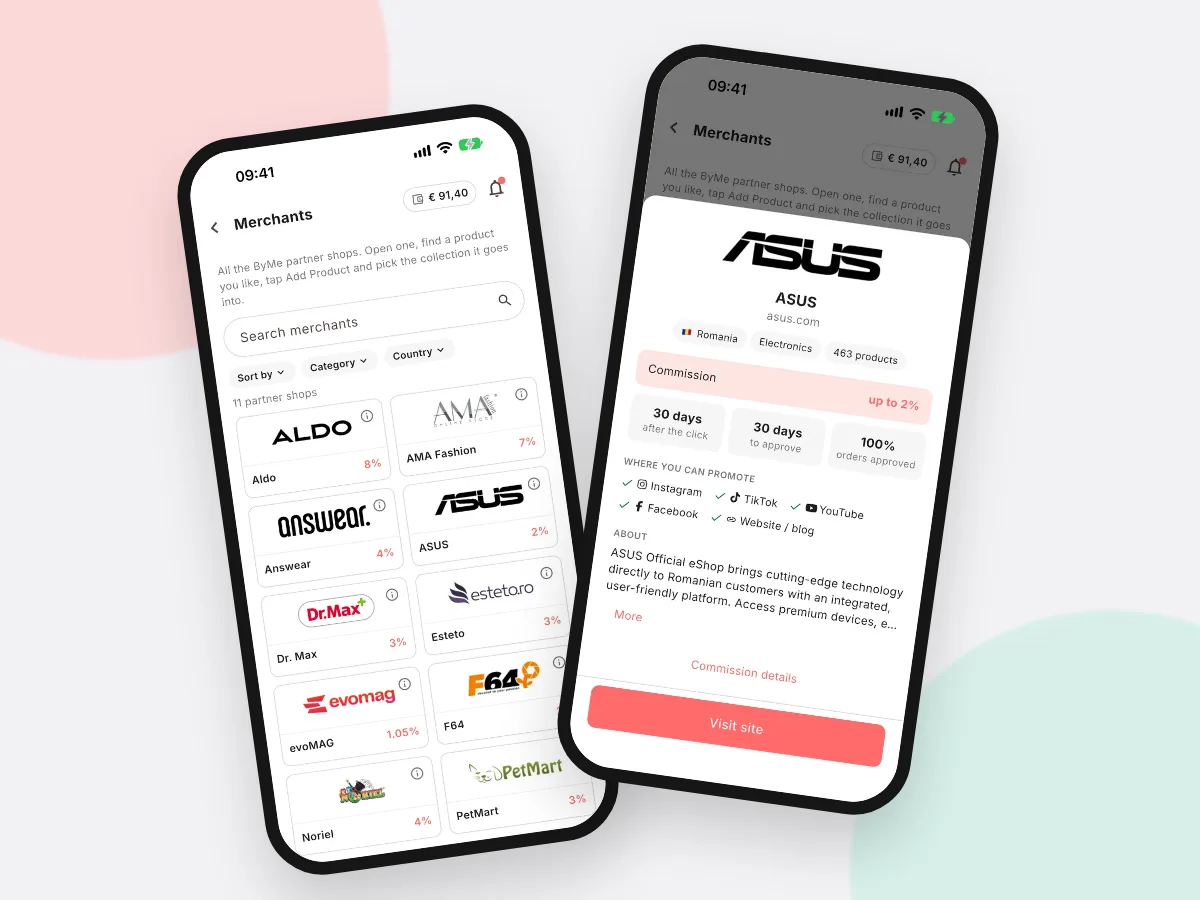
In More → Merchants you see every partner shop with the commission you get. Search by name or filter by category.
-
2STEP TWO
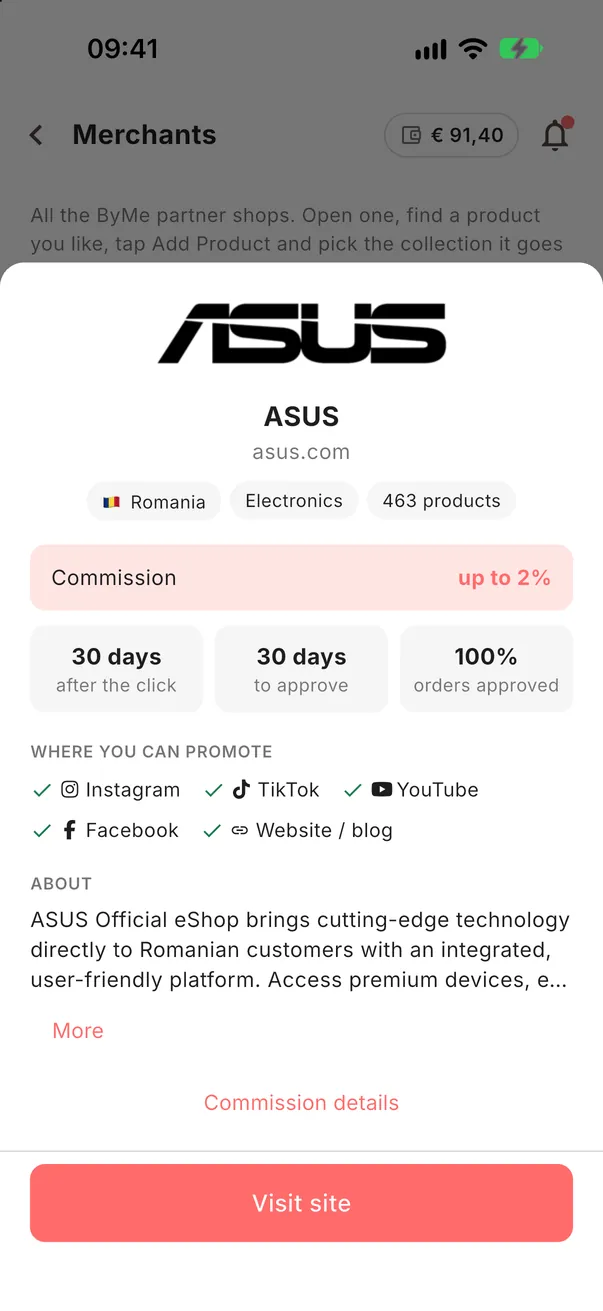
Tap the small i on a partner.
You see the commission, how many days a click counts (cookie), how many days the shop takes to approve a sale, and where you can promote it.
-
3STEP THREE
Compare what matters to you.
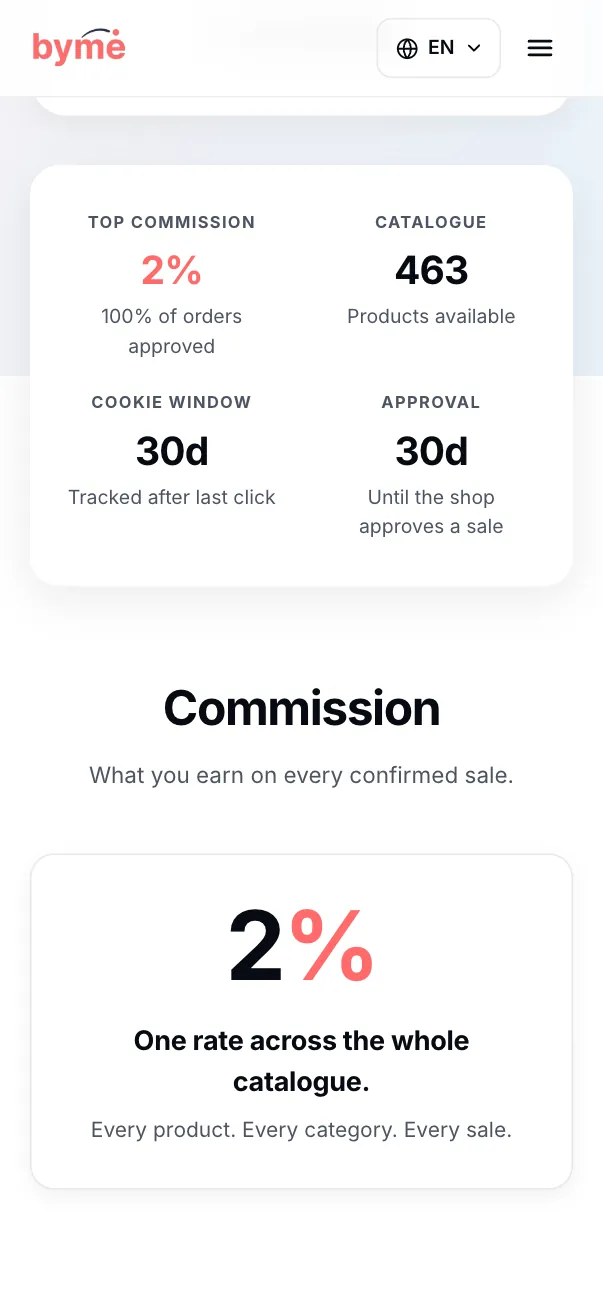
The same details are on the partner's page on our site.
- Commission: what you earn from a sale
- Cookie: a longer window gives buyers more time to decide
- Approval: a shorter time means the money is ready sooner
Look before you add.
Two minutes on a partner's page tell you how much and how soon you earn.
See the partners