
All tutorials
Tutorial · Collections
How to save products for later
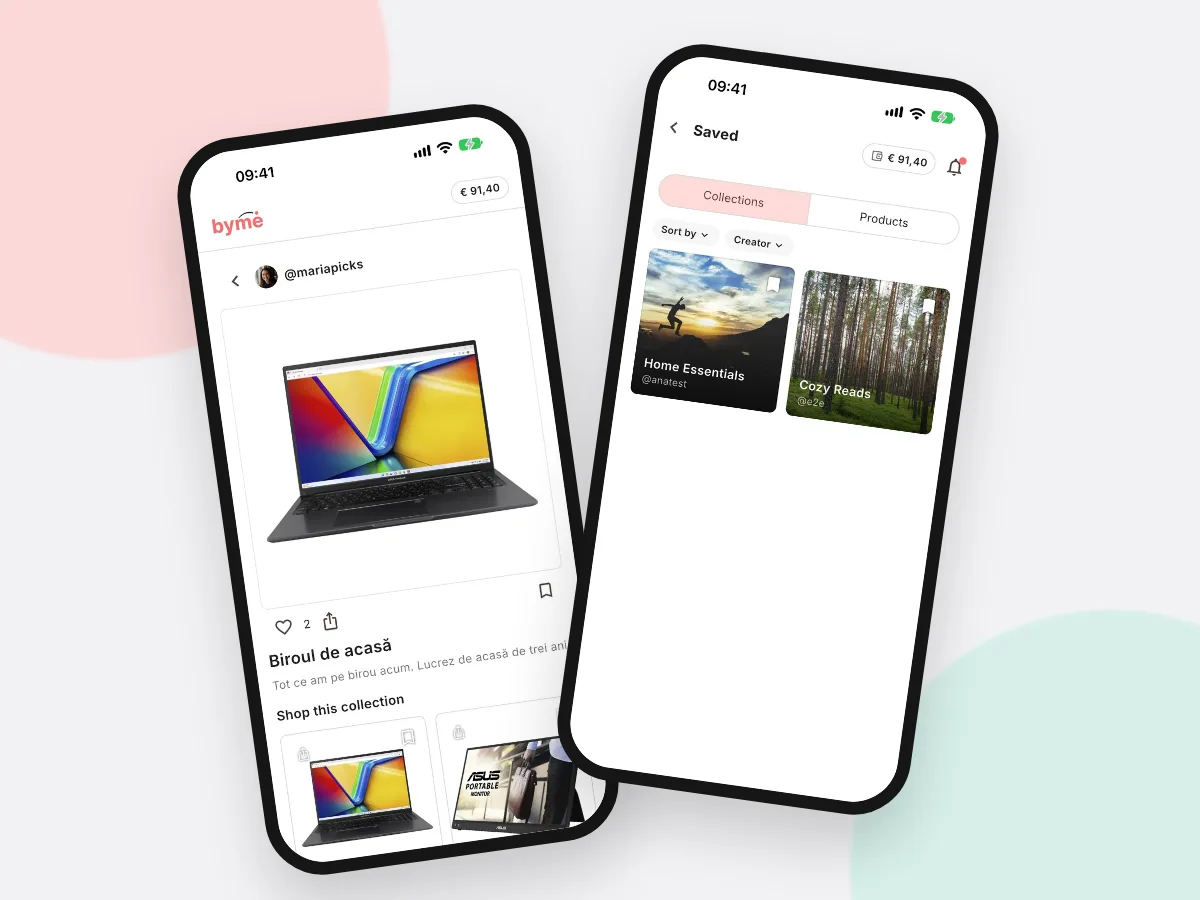
Like a product in another creator's Collection? Save it and add it to your own Collection later.
What you'll learn
- How to save a product or a Collection
- Where to find what you saved
- How to add a saved product to a Collection
-
1STEP ONE
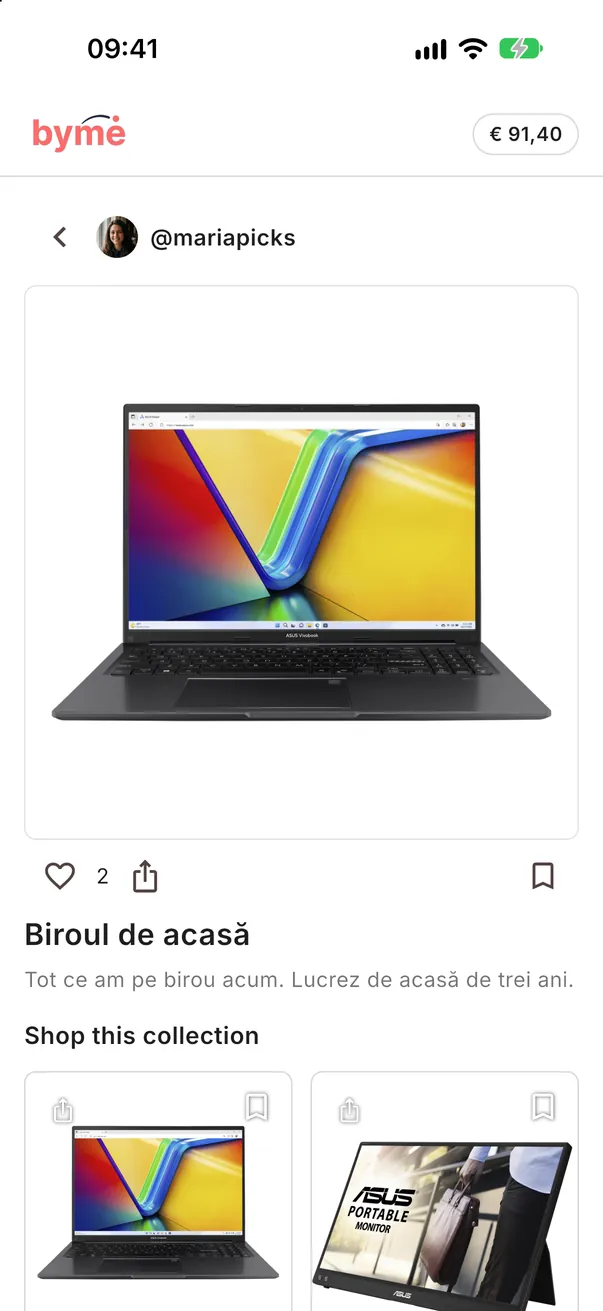
Tap the bookmark.
On any Collection or product in ByMe, tap the bookmark icon to save it.
-
2STEP TWO
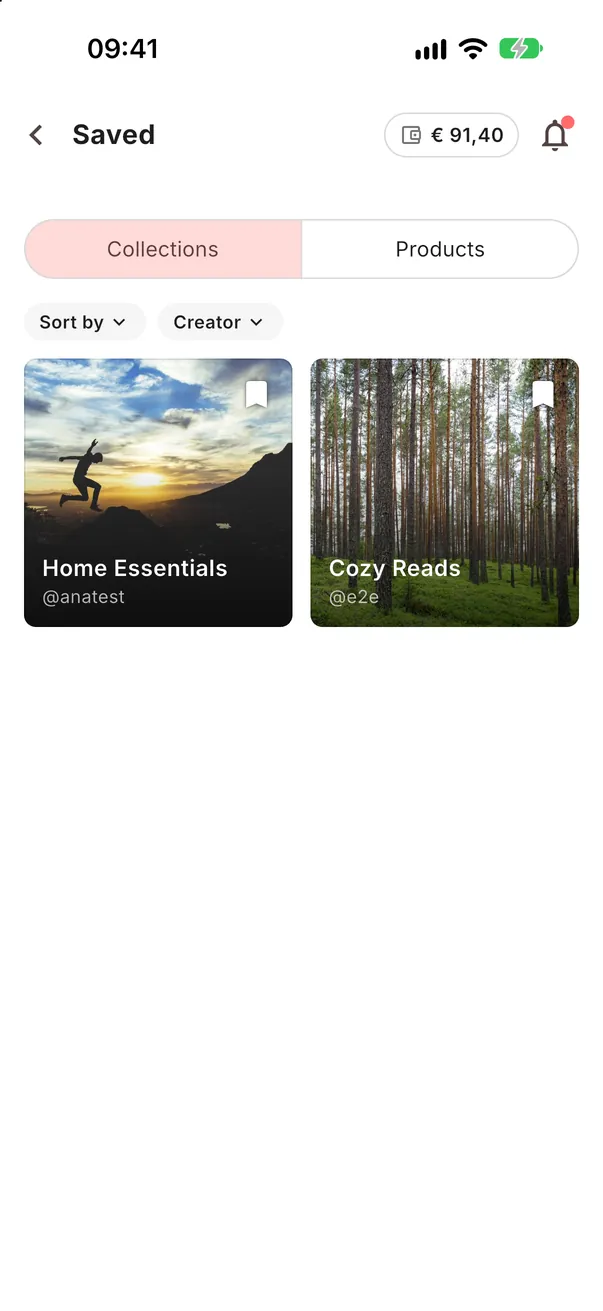
Find it in Saved.
Everything you saved is in More → Saved, split into Collections and Products.
-
3STEP THREE
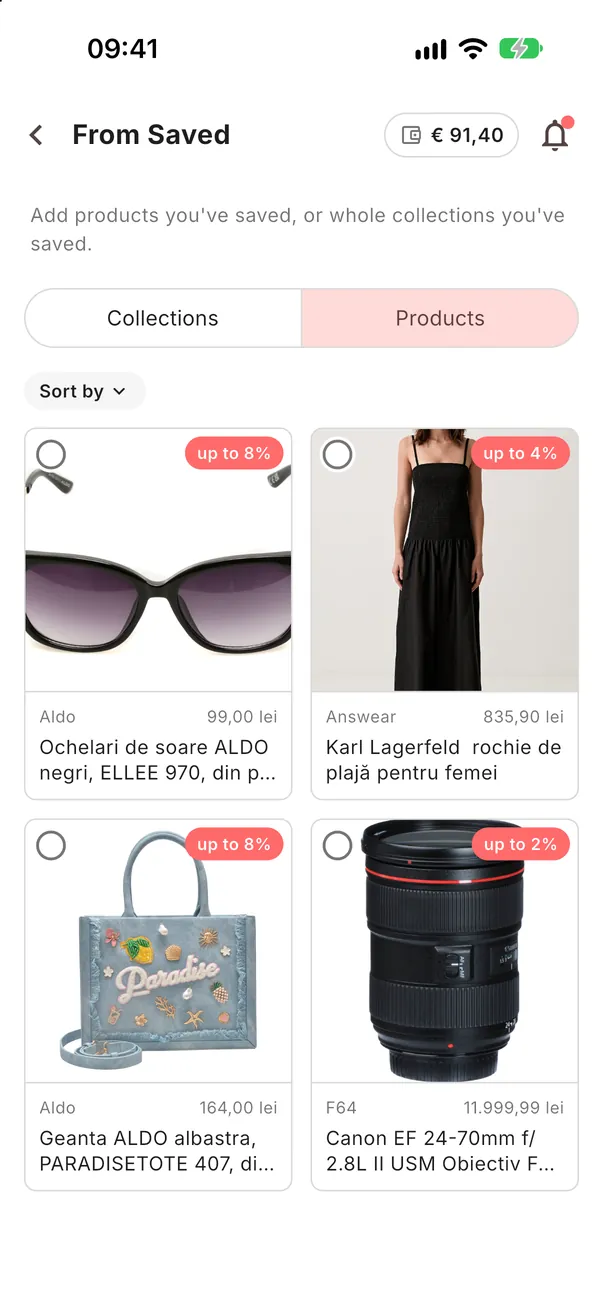
Add it to your Collection.
In your Collection tap the round button with the bag, then From Saved, and pick the products.
Start a list.
Save what catches your eye; build Collections from it when you are ready.
Open the app