All tutorials
Tutorial · Questions
How to set your notifications
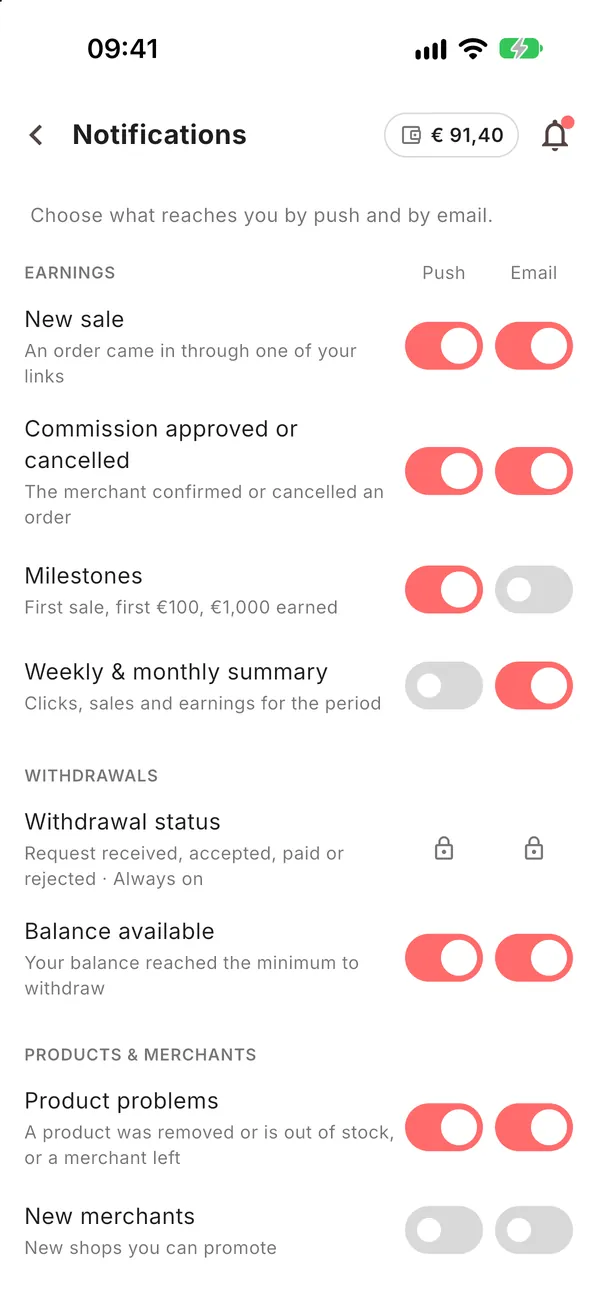
Choose what reaches you by push and by email: new sales, approvals, withdrawals and more.
What you'll learn
- Where notifications are set
- What each one tells you
- How to turn on push on your phone
-
1STEP ONE
Open Notifications.
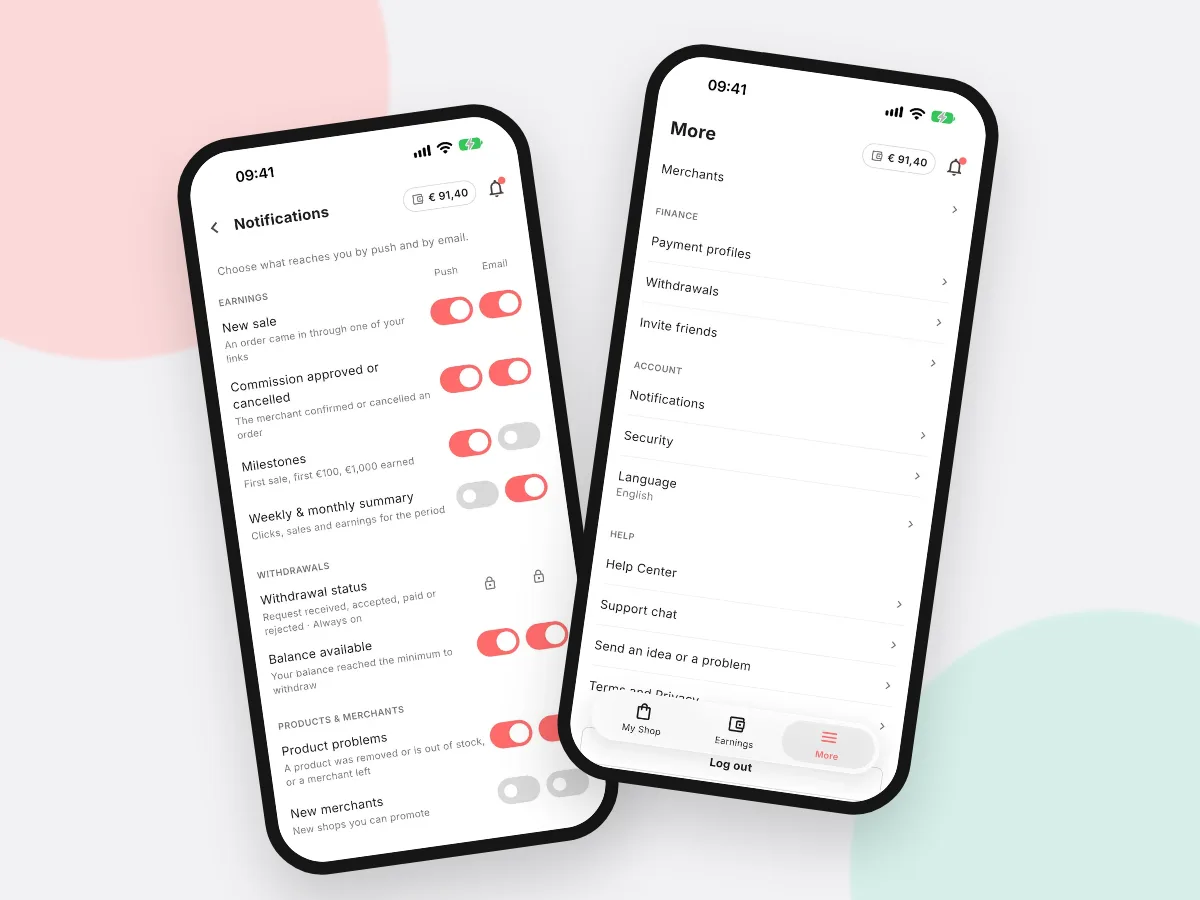
Go to More → Notifications. For each kind you choose push, email or both.
- New sale: an order came in through your links
- Commission approved or cancelled: the shop confirmed or rejected a sale
- Withdrawal status: always on, so you know where your money is
- Balance available: your balance reached the minimum to withdraw
- Milestones: first sale, first €100, €1,000 earned
- Weekly & monthly summary: clicks, sales and earnings for the period
- Product problems: a product was removed or is out of stock, or a merchant left
- New merchants: new shops you can promote
Good to knowIf push is off on your phone, tap Turn on at the top and allow notifications.