All tutorials
Tutorial · Collections
How visitors see your shop
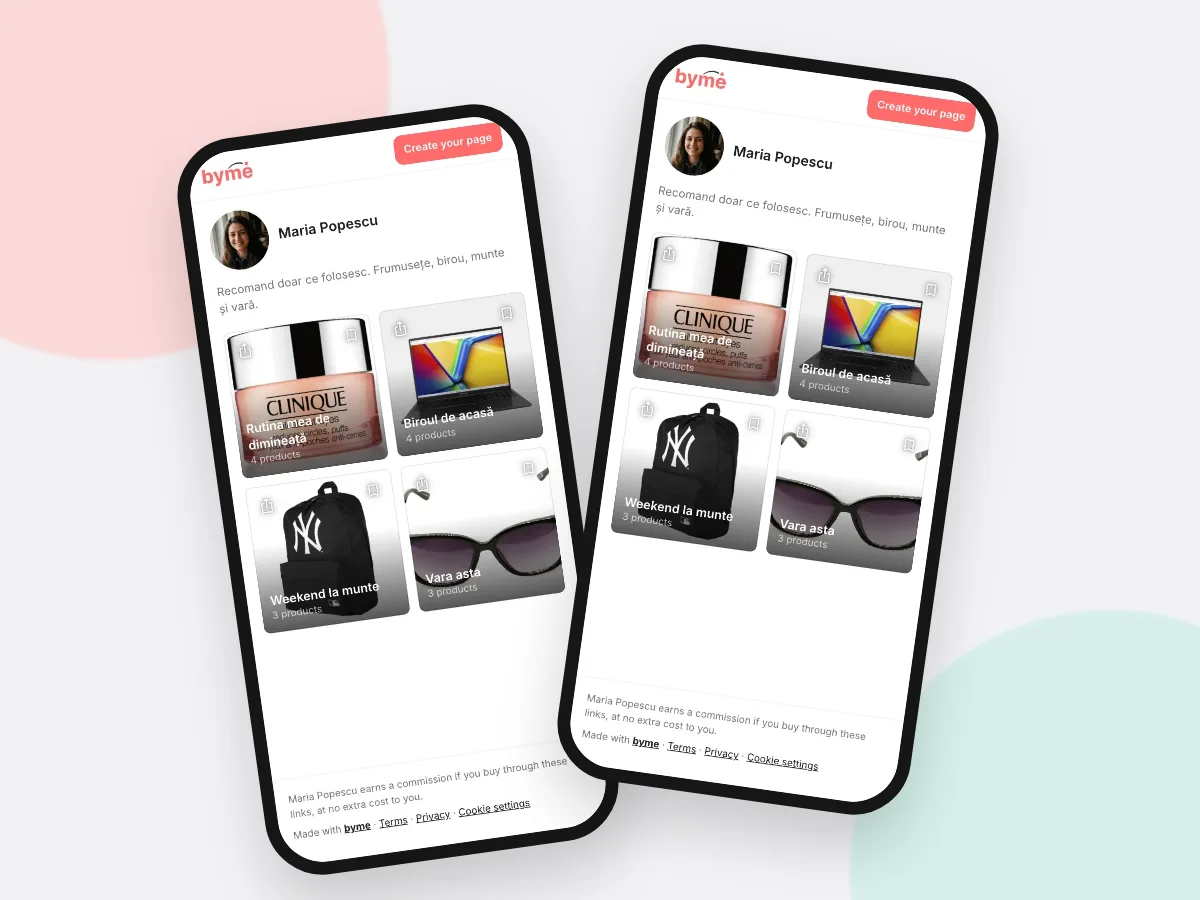
Your shop opens in any browser. Visitors can browse, buy from the shops, like and save your Collections.
What you'll learn
- How to see your public shop
- What visitors can do there
- What likes and saves mean
-
1STEP ONE
Open your public page.
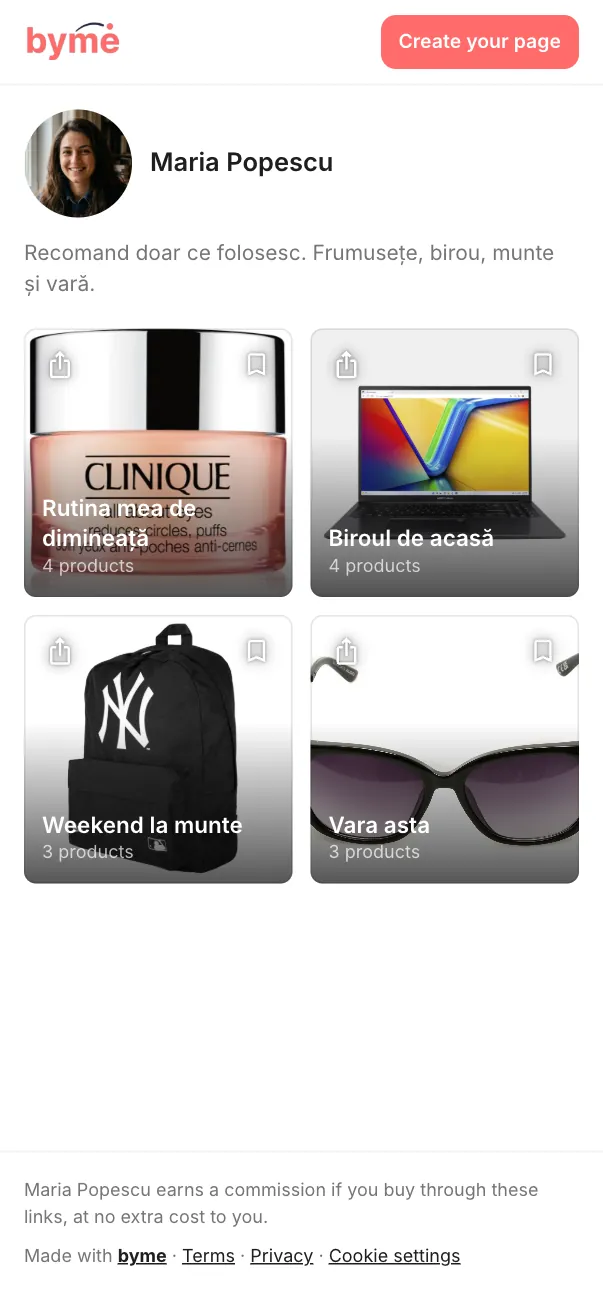
Open your shop link (byme.world/u/your-name) in your phone's browser: that is exactly what visitors see. In My Shop, Share gives you the link.
-
2STEP TWO
Visitors need no app.
Your link opens in any browser: your photo, bio, Collections and products. A tap on a product opens the shop.
-
3STEP THREE
Likes and saves.
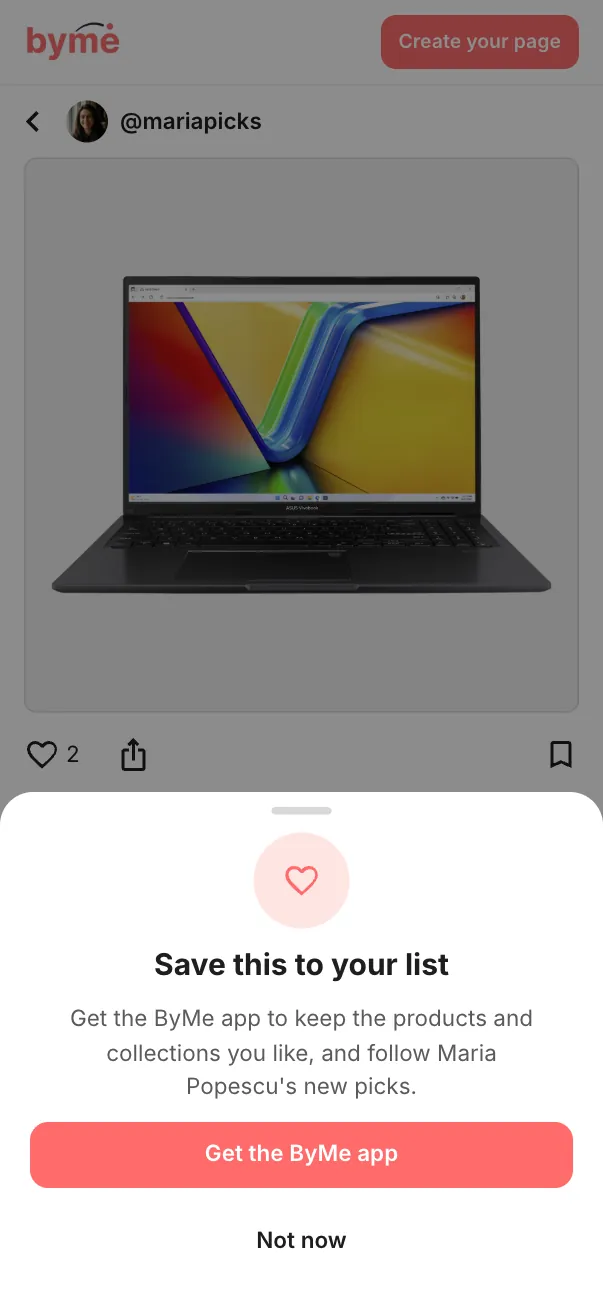
Visitors can like a Collection or save it. Saving needs a ByMe account, so the page offers them the app. The number of likes shows on each Collection.
-
4STEP FOUR
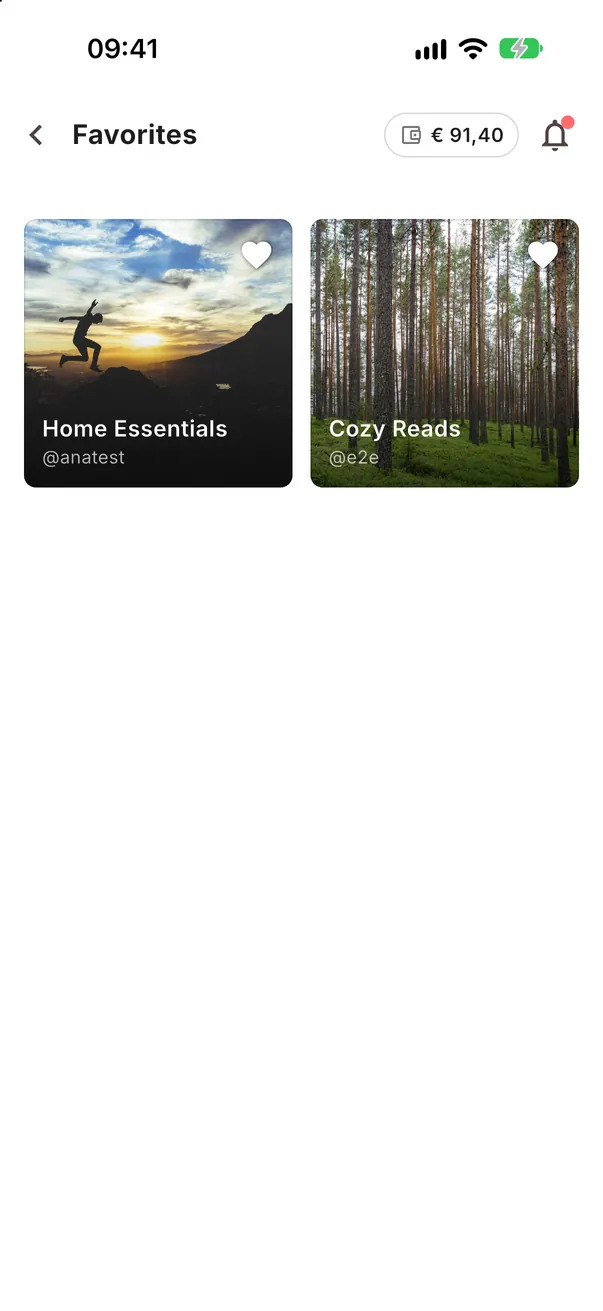
See what you liked.
The Collections you liked yourself are in More → Favorites.