
All tutorials
Tutorial · Monetization
Put your shop link in your bio
One link in your bio sends every follower to all your Collections. Here is where to put it.
What you'll learn
- How to copy your shop link
- Where it goes on Instagram, TikTok and YouTube
- Why one link is enough
-
1STEP ONE
Copy your shop link.
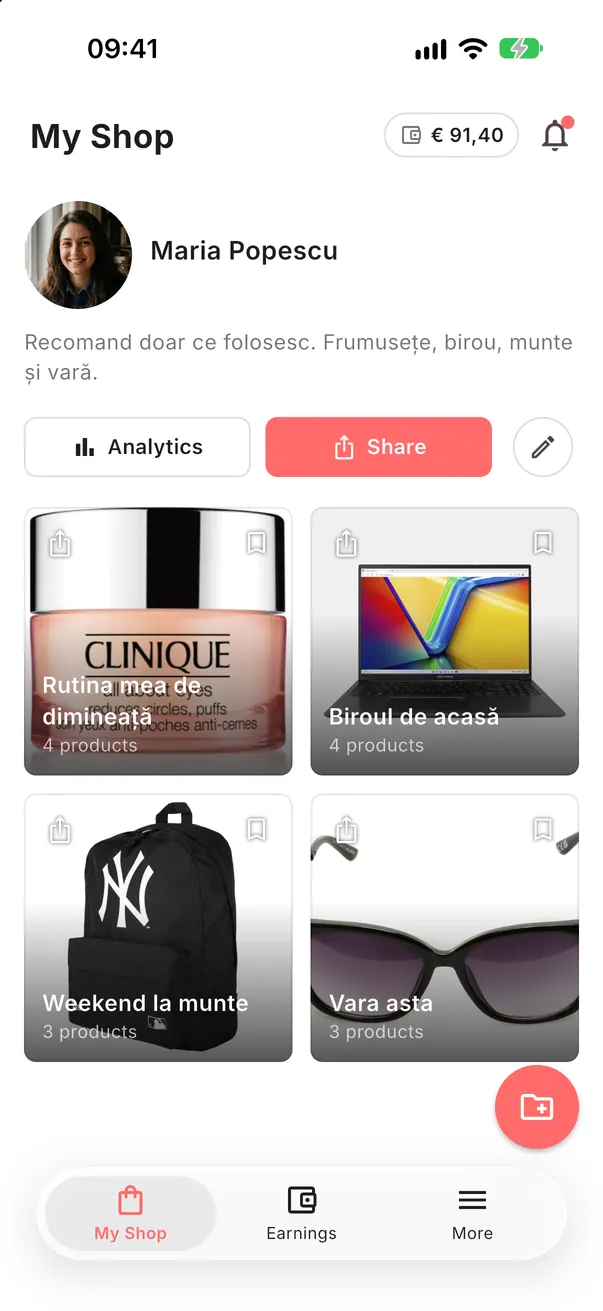
In My Shop tap Share and choose Copy. Your link looks like byme.world/u/your-name.
-
2STEP TWO
Paste it in your profile.
Open your social app's profile editor and paste the link in the website or links field.
- Instagram: Edit profile → Links
- TikTok: Edit profile → Website (when your account can add one)
- YouTube: Customise channel → Links
Good to knowSocial apps change their menus often; look for "links" or "website" in your profile settings.
-
3STEP THREE
One link, always current.
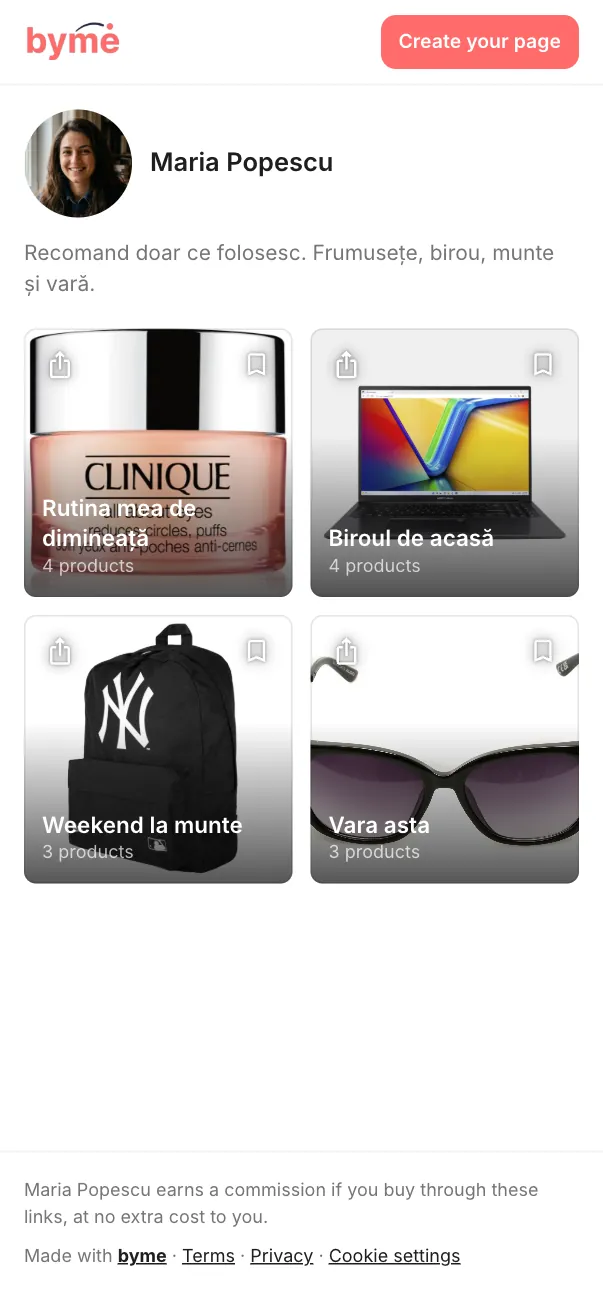
Your shop link never changes. New Collections appear there by themselves, so you set it once.
Add it today.
The link in your bio works for you every time someone visits your profile.
Open the app