
All tutorials
Tutorial · Questions
What a withdrawal's status means
Pending, Accepted, Paid or Rejected: where your withdrawal is and what happens next.
What you'll learn
- Where to follow your withdrawals
- What each status means
- What to do if one is rejected
-
1STEP ONE
Open your withdrawals.
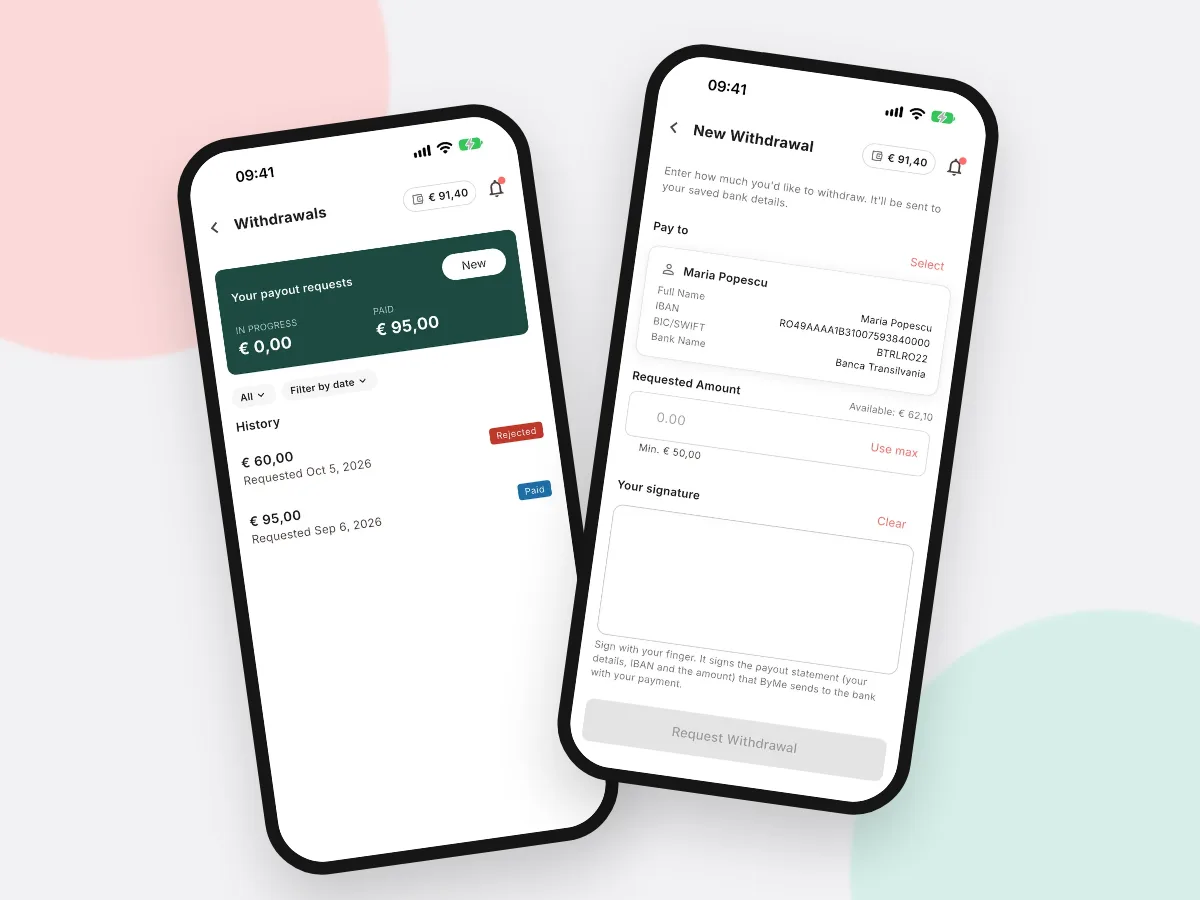
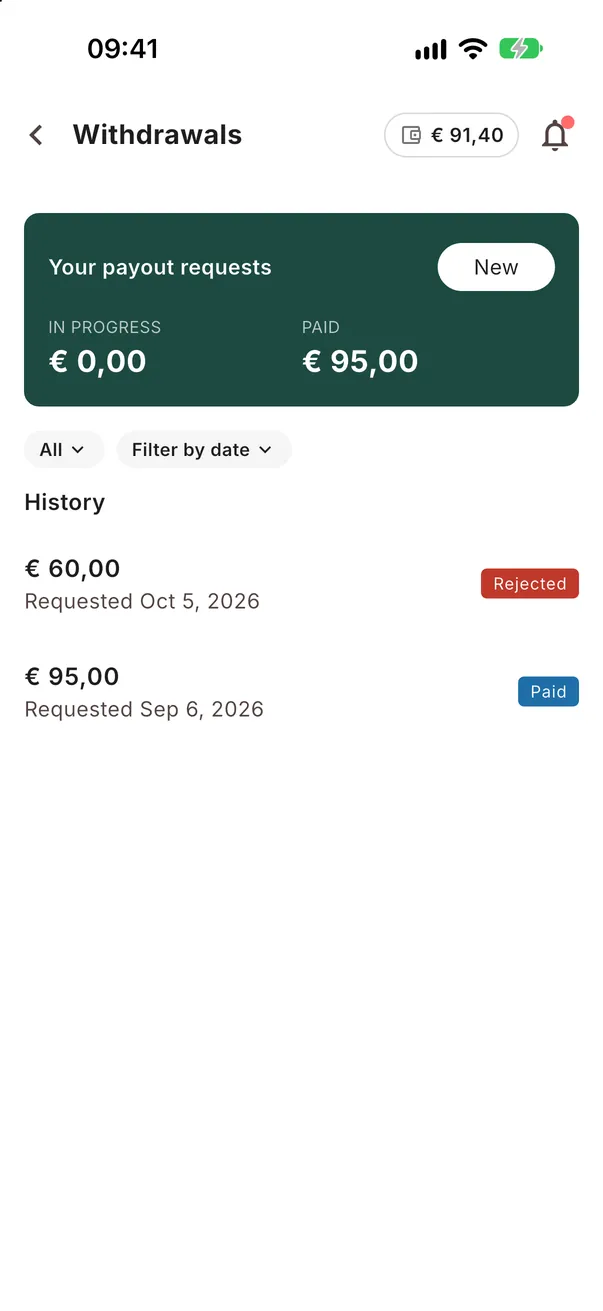
In Earnings tap Withdrawal history, or go to More → Withdrawals. Each request shows its amount, date and status.
- Pending: we received the request and are checking it
- Accepted: approved, the transfer is on its way
- Paid: the money was sent to your account
- Rejected: not paid; the amount stays in your balance
-
2STEP TWO
One request at a time.
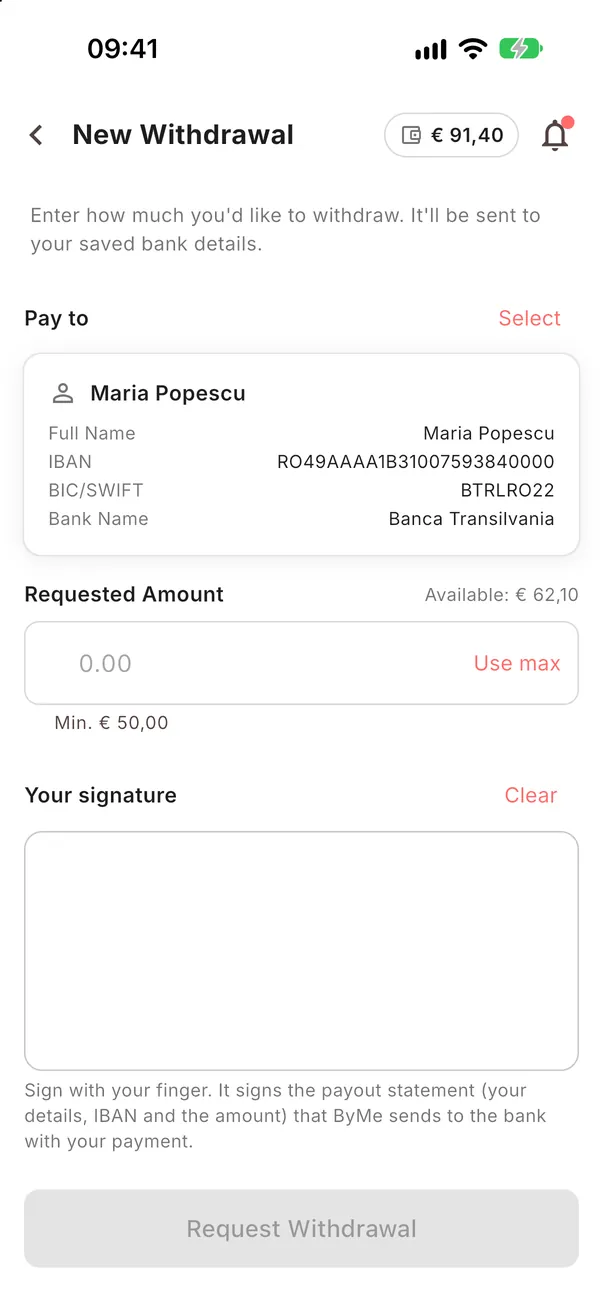
While a request is in progress you cannot send a new one; the app tells you on the new withdrawal screen. Once it is paid or rejected, you can request again.
Good to knowA rejected withdrawal usually means a problem with the payment profile or the invoice. Fix it and request again, or ask in the support chat.
Follow your withdrawals.
Each request shows its status until the money is in your account.
Open the app