All tutorials
Tutorial · Collections
When a product is out of stock or changes price
Shops change prices and run out of stock. Here is how to keep your Collection accurate.
What you'll learn
- How to update a product's price or name
- What to do when a product is gone
- Why it matters
-
1STEP ONE
Update the price or the name.
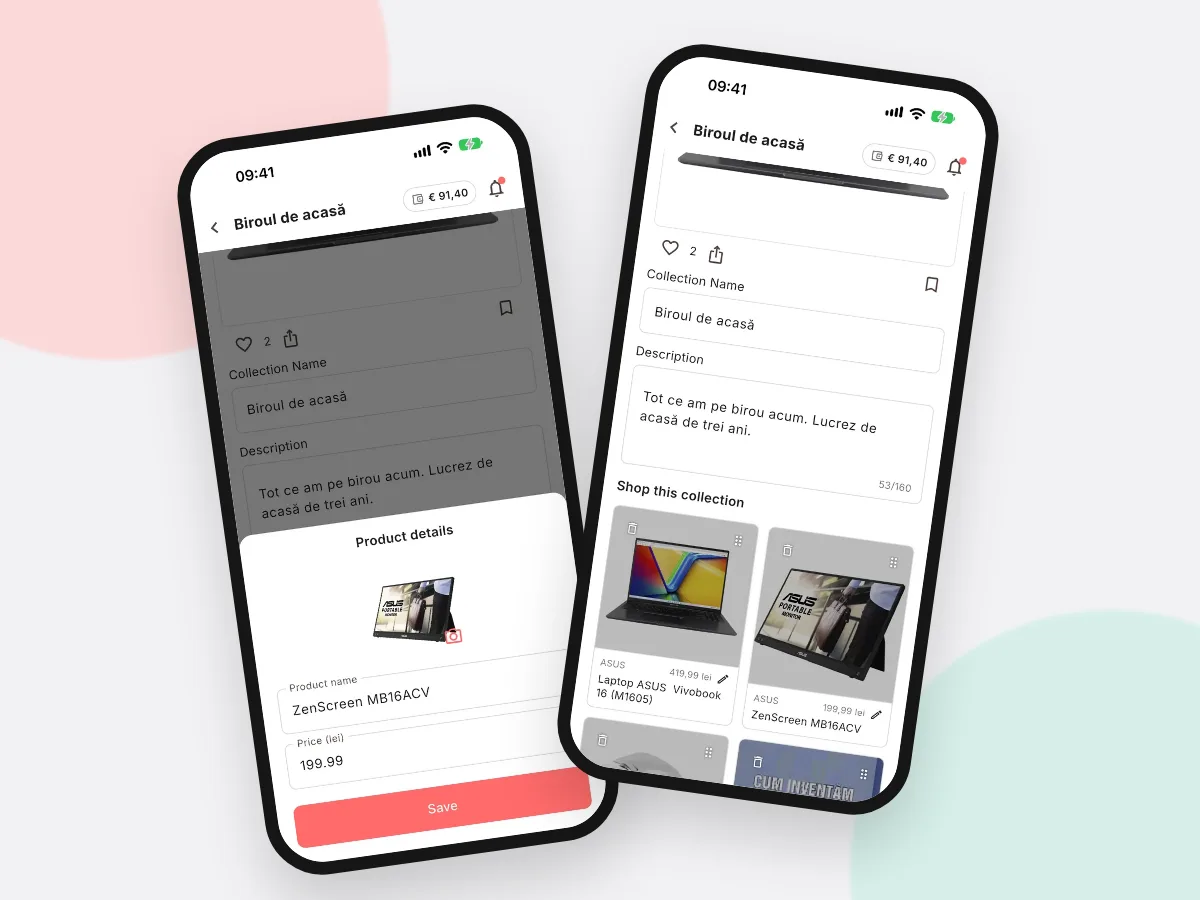
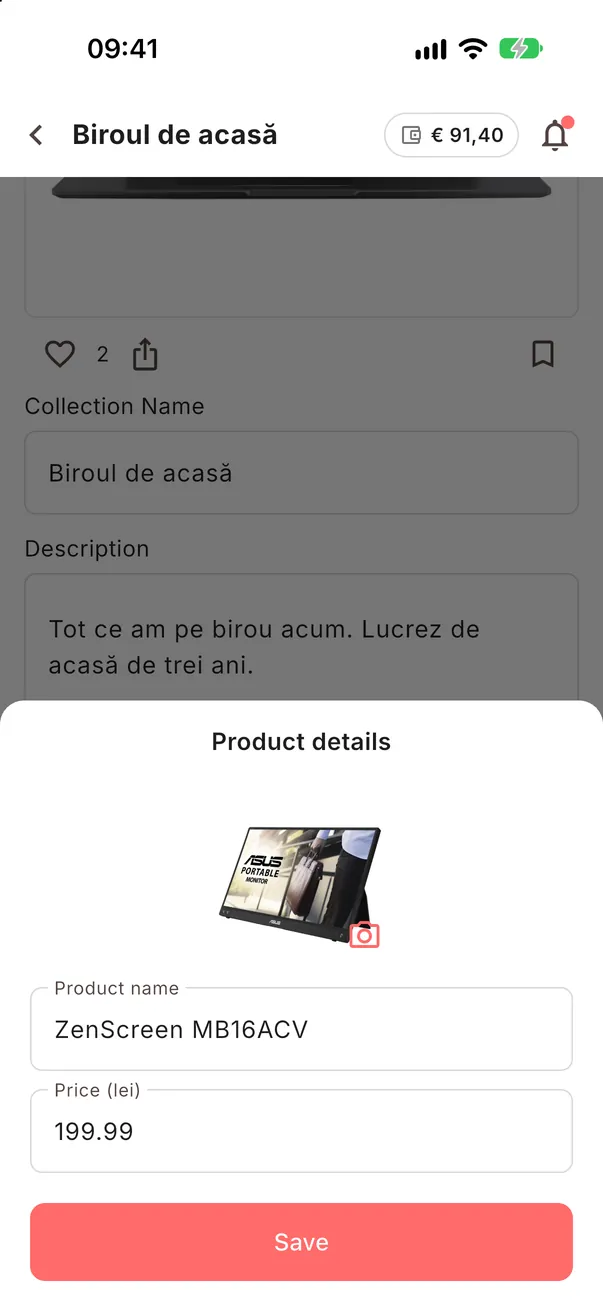
In your Collection tap the pencil, then the small pencil on the product. Change the name or the price and tap Save.
Good to knowThe price on your page is for guidance; visitors always pay the shop's price, and your page tells them prices may change.
-
2STEP TWO
Replace a product that is gone.
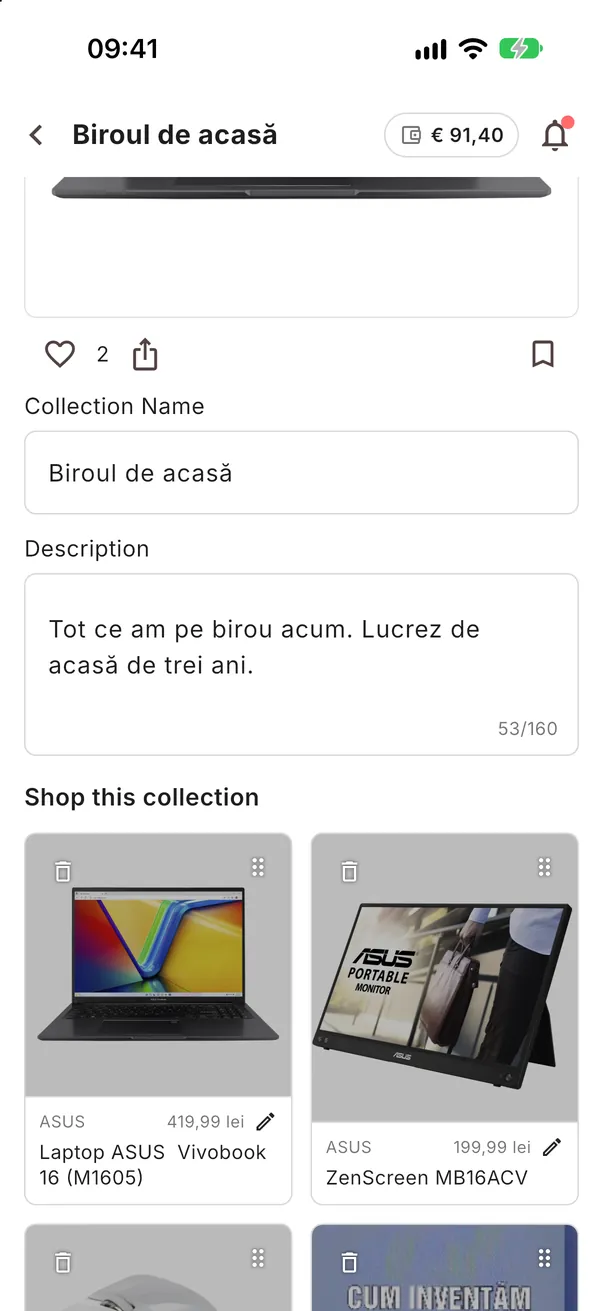
If the shop no longer sells it, remove it with the bin in edit mode and add a similar one.
-
3STEP THREE
Add the new product.
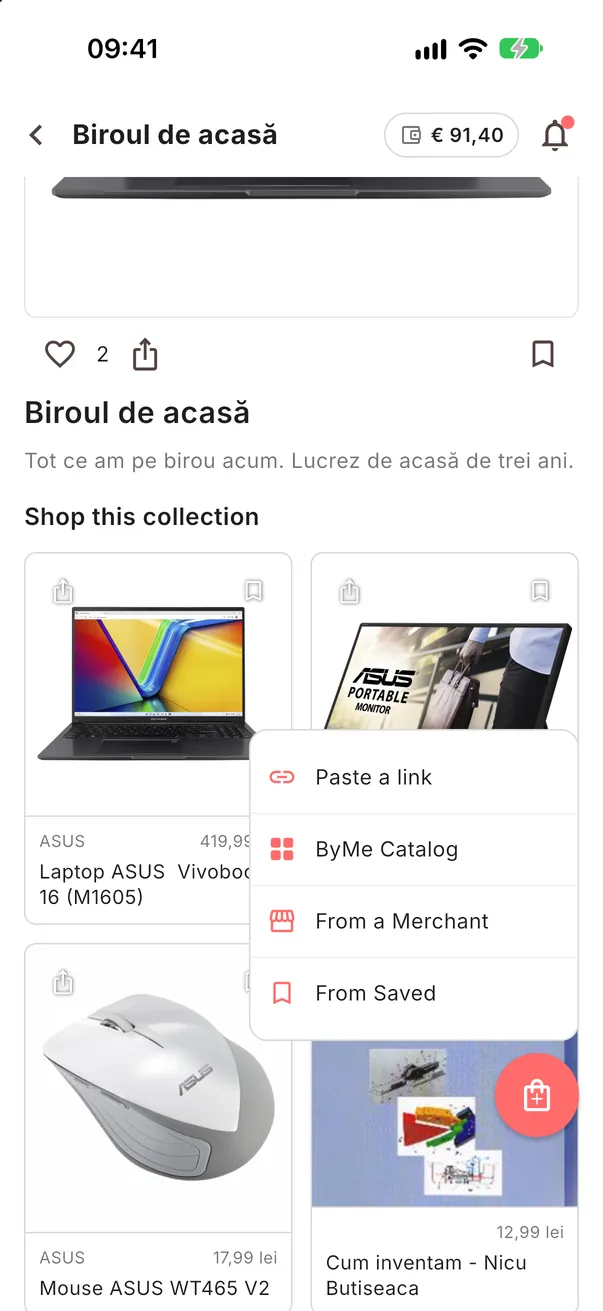
Tap the round button with the bag and add the replacement from a link, the Catalog or a partner's shop.