All tutorials
Tutorial · Monetization
Where you can promote your links
Some partners allow only some channels. Follow their rules, or the shop can reject the commission.
What you'll learn
- Where to see a partner's rules
- What allowed and forbidden channels mean
- What happens if you break them
-
1STEP ONE
Open the partner's details.
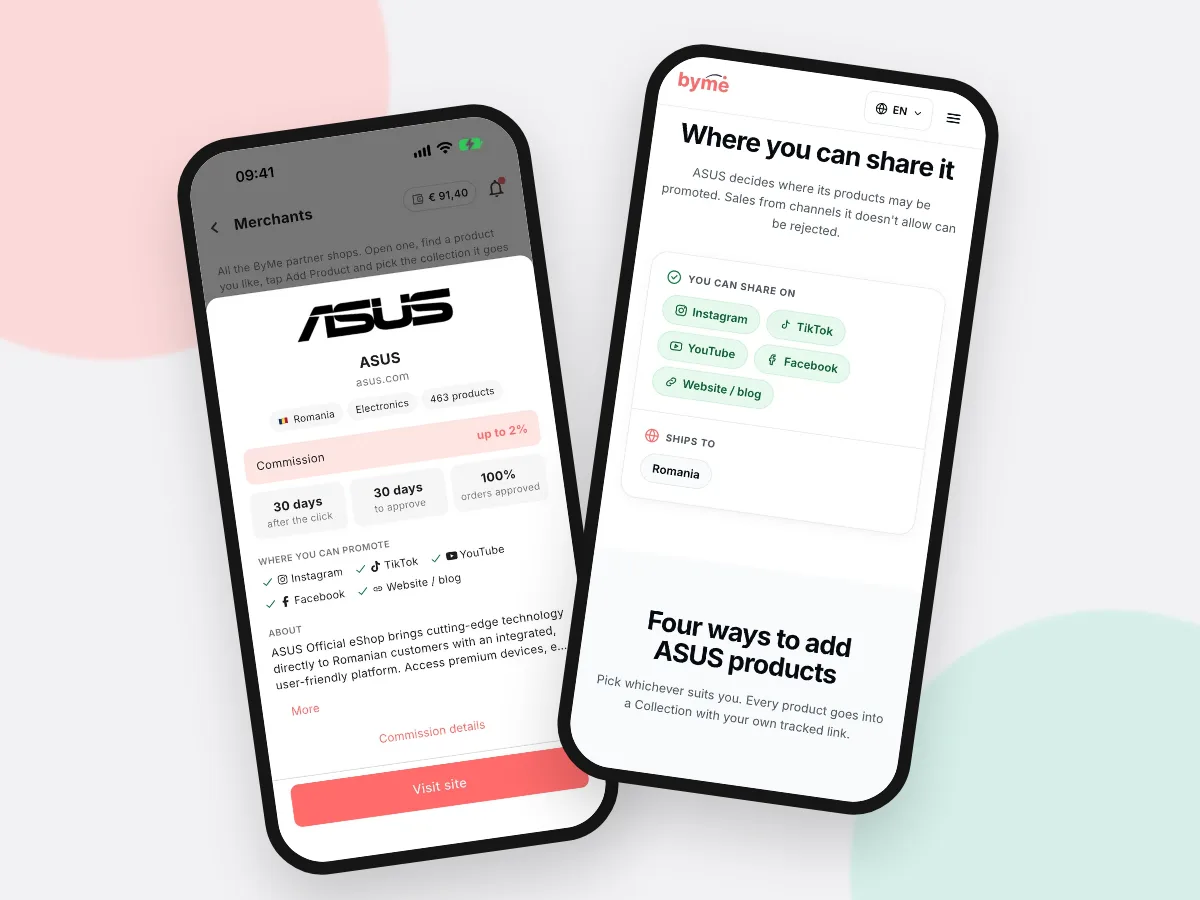
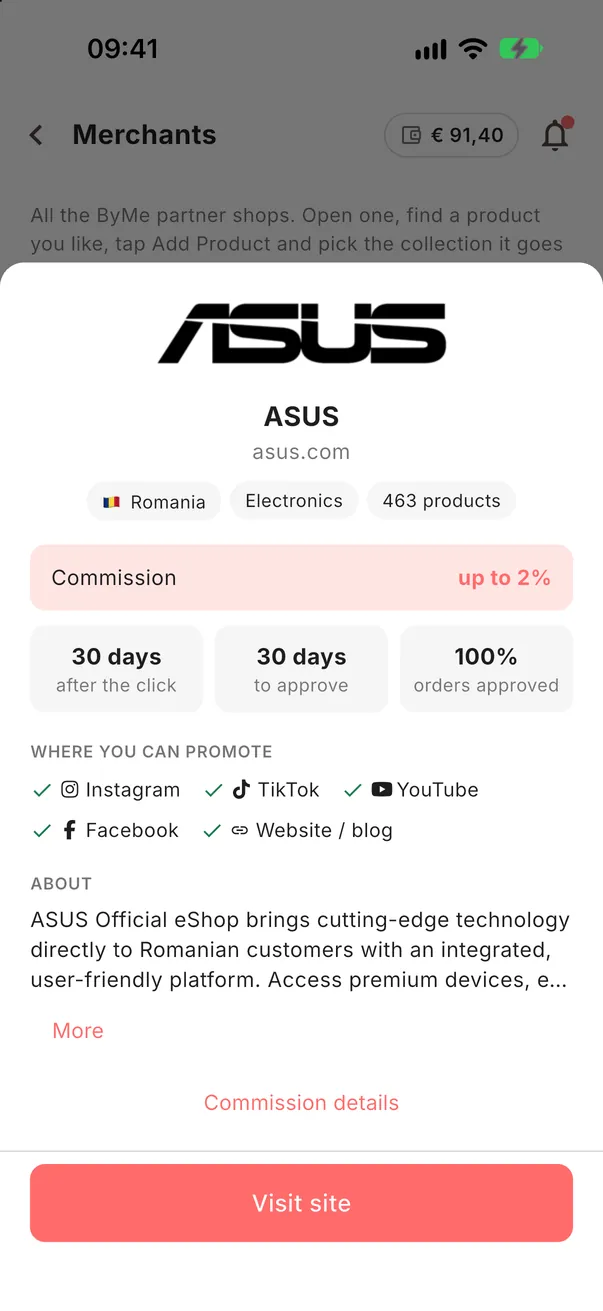
In More → Merchants, tap the small i on the partner. Under Where you can promote, you see the channels the partner allows. Anything not on the list is not allowed.
-
2STEP TWO
Respect the rules.
Post links only on allowed channels. If a sale comes from a forbidden one (for example paid search ads where they are not allowed), the shop can reject the commission.
Good to knowIf a partner lists no rules, ask us in the support chat before using paid ads.