
All tutorials
Tutorial · Questions
Why was my commission rejected?
Returned or cancelled orders, and sales from forbidden channels, earn no commission. How to see the reason.
What you'll learn
- Where to see a rejected commission
- The usual reasons
- What you can do
-
1STEP ONE
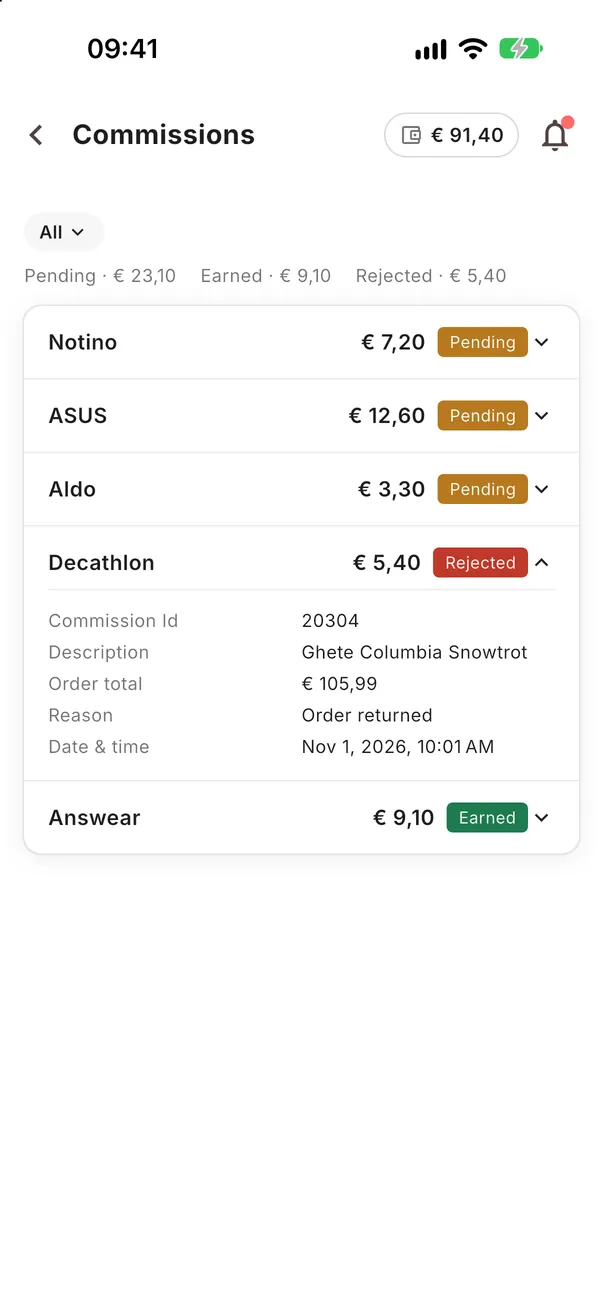
Open the commission.
In Earnings → Commissions, tap a Rejected one to see its details and the reason the shop gave.
-
2STEP TWO
The usual reasons.
Most rejected commissions come from orders the buyer returned or cancelled.
- The order was returned or cancelled
- The sale came from a channel the partner forbids
- The shop found the order invalid (for example a test or a duplicate order)
-
3STEP THREE
Not sure why?
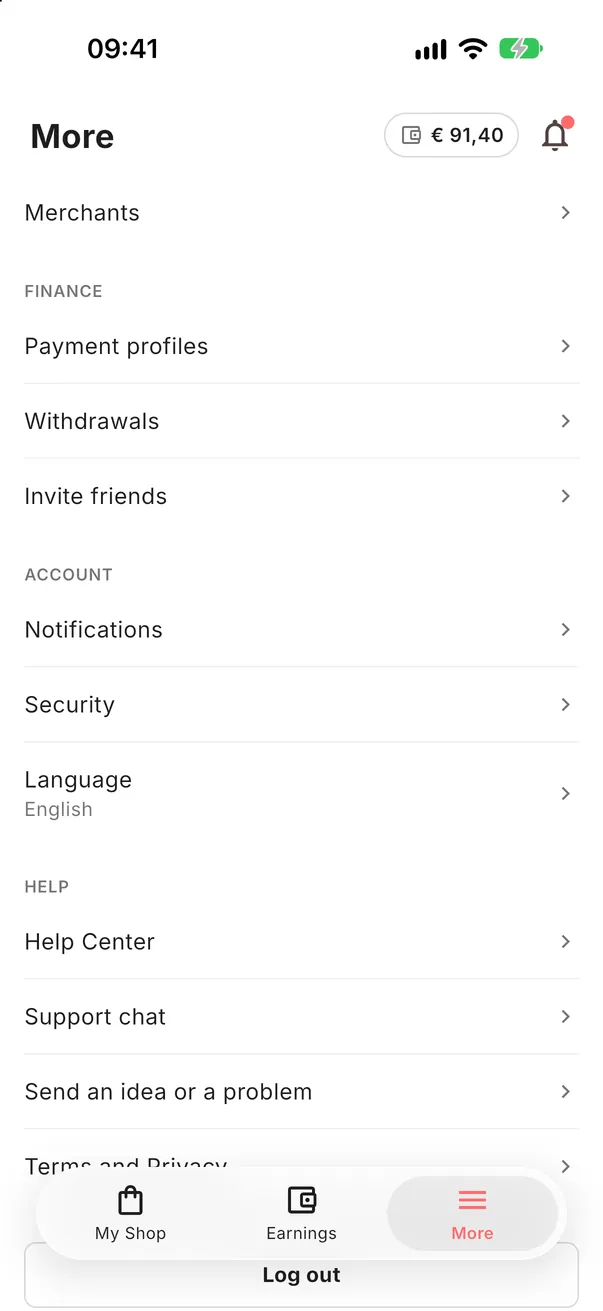
Write to us in More → Support chat with the commission's ID and we check it with the shop.
Look at the details.
Each commission shows its status and, when there is one, the reason.
Open the app