All tutorials
Tutorial · Questions
Why was my payment profile rejected?
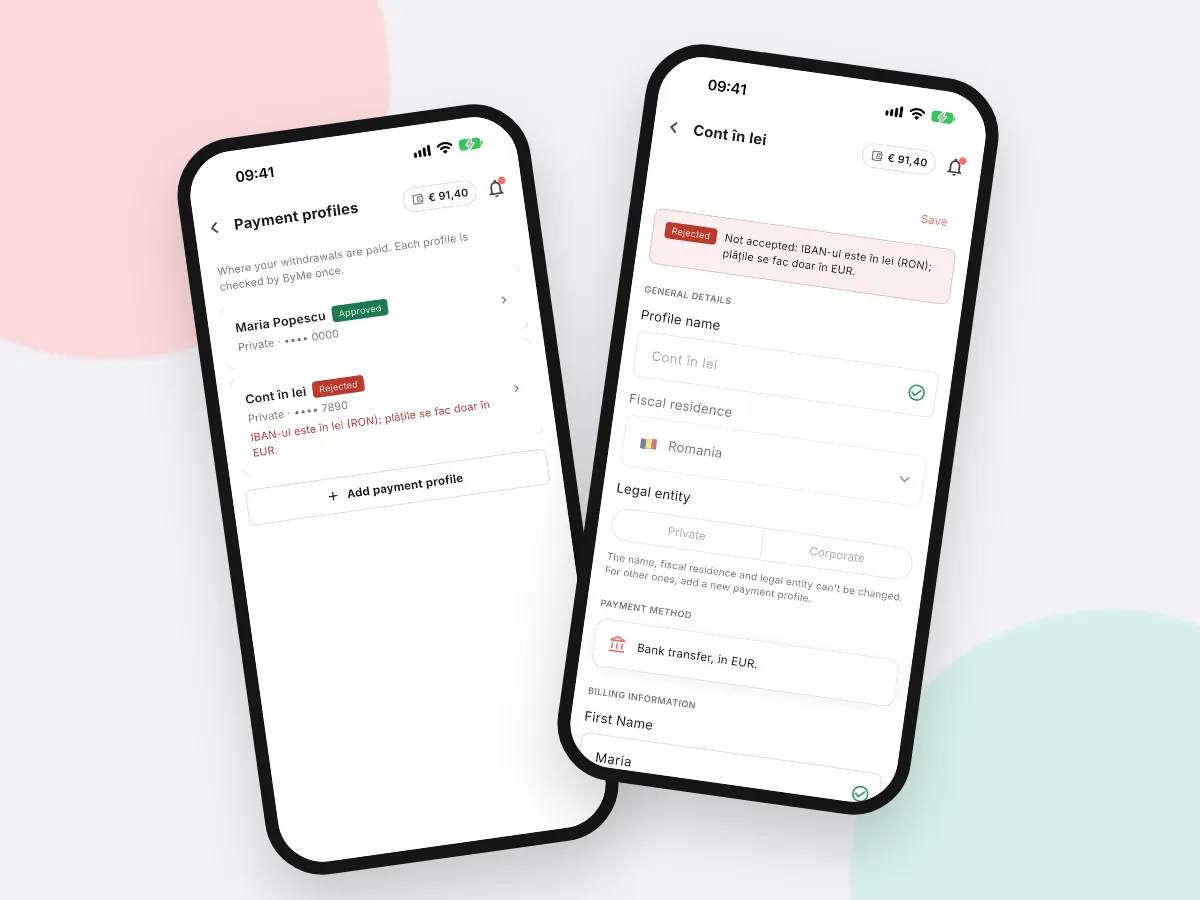
See the reason we gave, fix it and add a new profile. The usual reasons, explained.
What you'll learn
- Where to see the reason
- The usual reasons
- How to add a correct profile
-
1STEP ONE
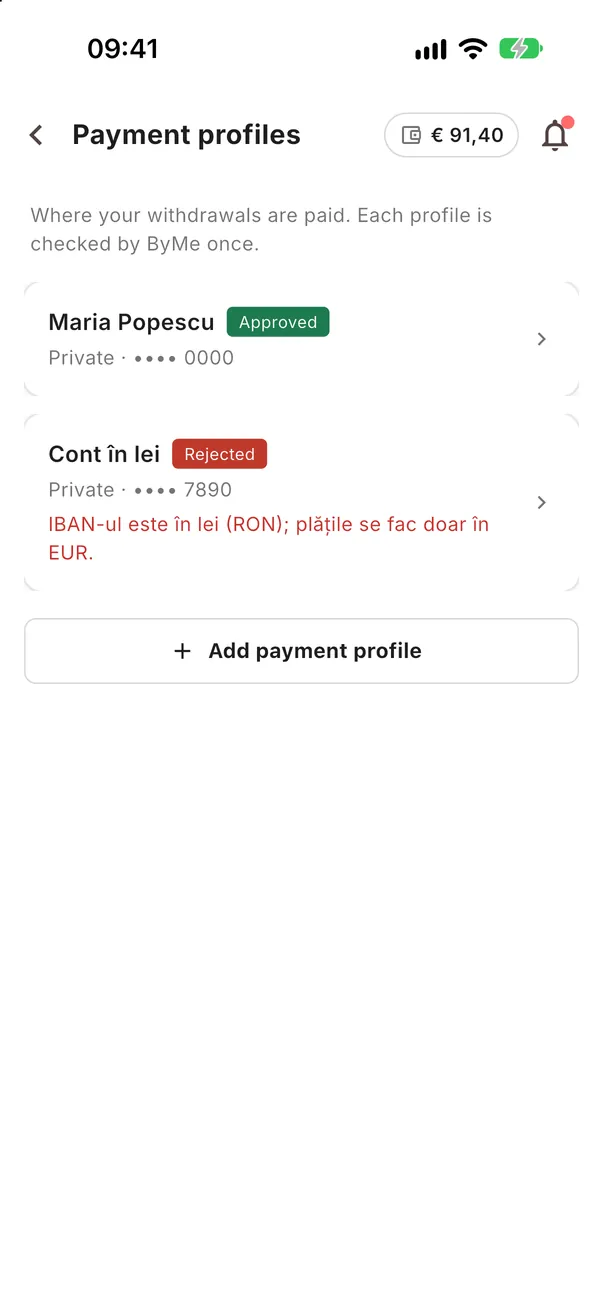
See the status in the list.
In More → Payment profiles, each profile shows its status. A rejected one shows the reason under it.
-
2STEP TWO
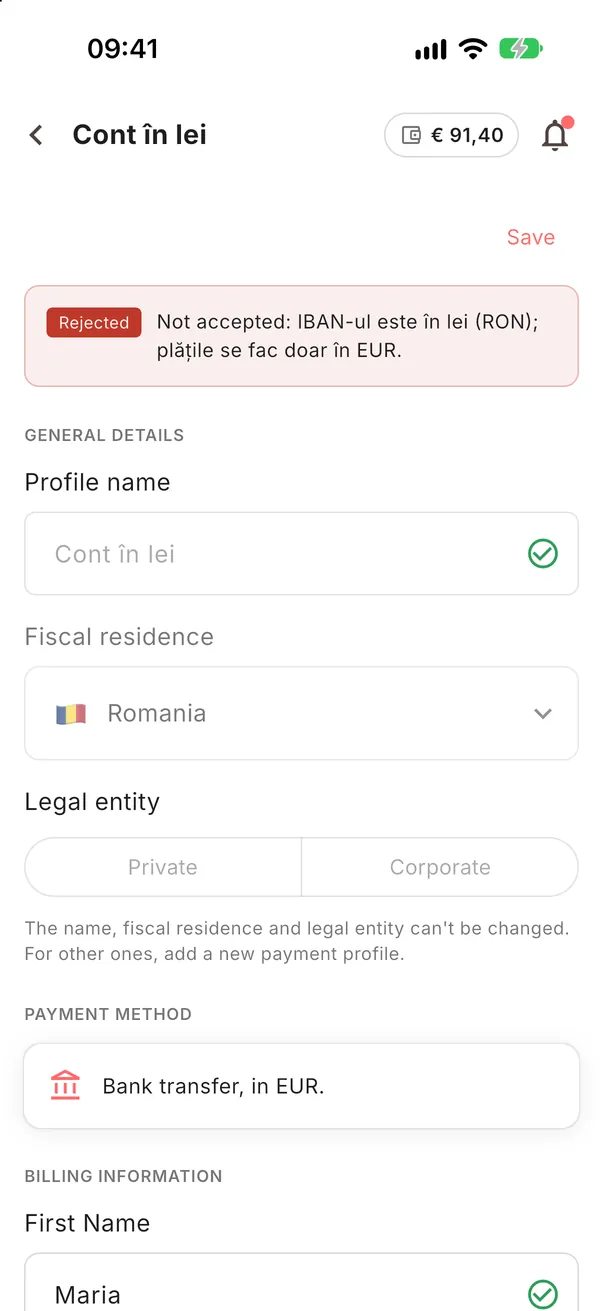
Read the reason.
Tap the profile to see it in full. An approved or rejected profile can no longer be changed.
- The account is not in euros (EUR)
- The account holder is not you or your company
- The details or the document do not match
-
3STEP THREE
Add a correct profile.
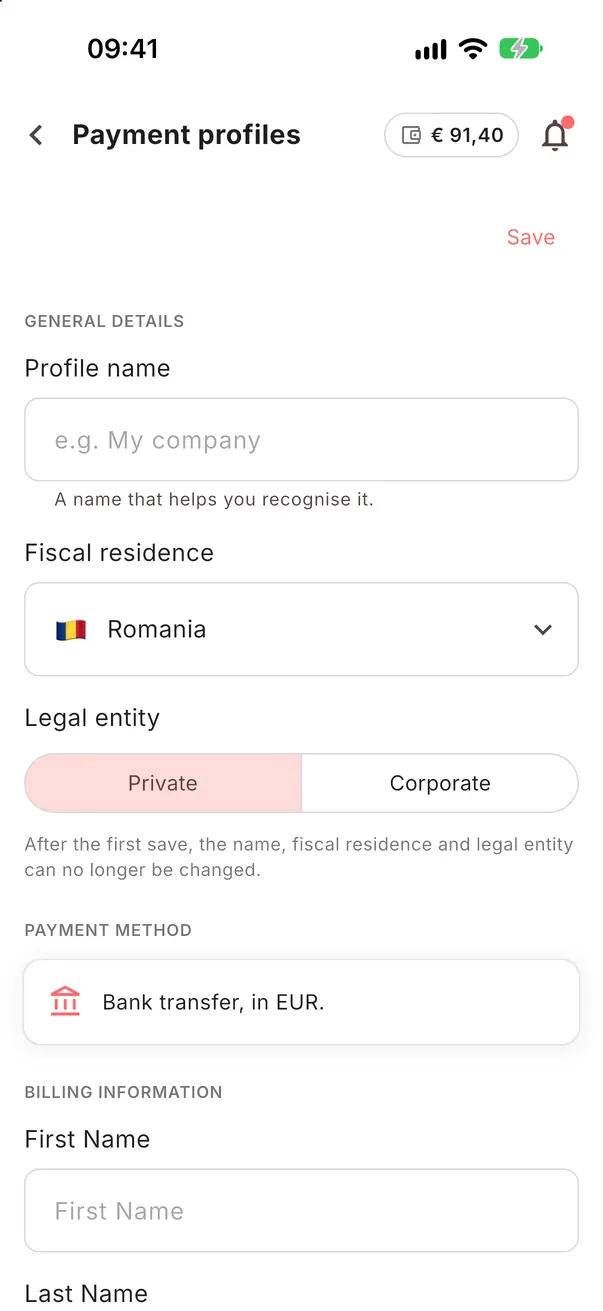
Tap Add payment profile and fill it in with the right details. We check it again.