

1
STEP ONE
Open your collection and tap the bin icon.
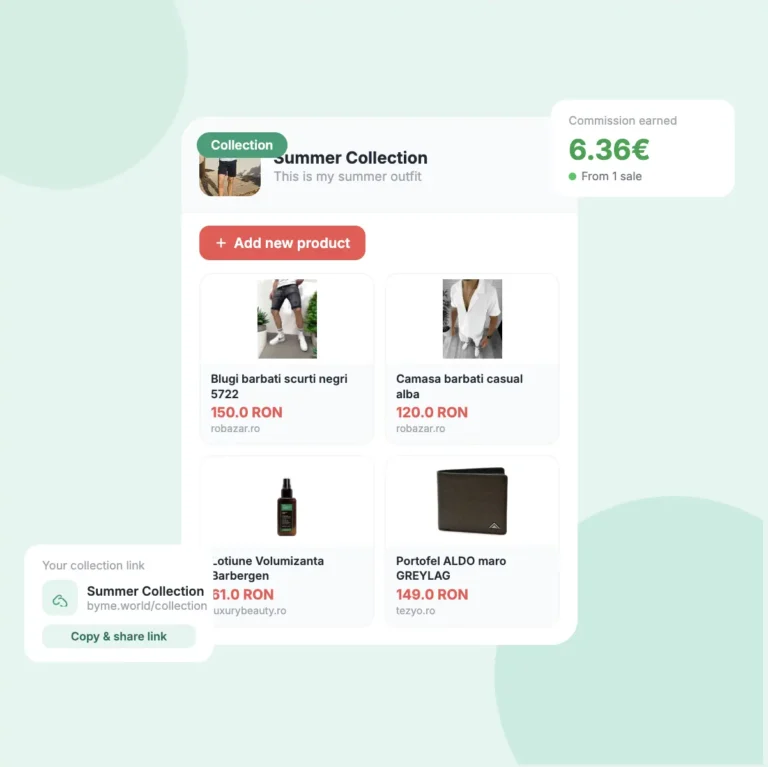
Open the collection that contains the product you want to remove. Each product card has a small bin icon in the top left corner.
- Scroll through your products to find the one you want to remove
- Tap the bin icon in the top left corner of that product card
- A confirmation popup will appear before anything is deleted
Attention
Nothing is deleted yet at this point — you still need to confirm in the next step.


2
STEP TWO
Confirm the deletion.
A popup will appear asking you to confirm. It shows the name of the product you’re about to delete so you can double-check it’s the right one.
- The popup shows the full product name so you can confirm it's the right one
- Tap the red Delete button to confirm and remove the product
- Tap Cancel to go back without deleting anything
Good to know
The popup also tells you that all analytics for this product will still be available in your Analytics section even after deletion.
3
STEP THREE
The product moves to “Inactive products”.
After deleting, the product is removed from your active collection but it doesn’t disappear completely. It moves to an “Inactive products” section at the bottom of the page.
- Deleted products appear under Inactive products at the bottom of the collection
- They are no longer visible to your followers
- You will still receive any commissions earned before the product was deleted
- Your analytics for that product are still available in your dashboard