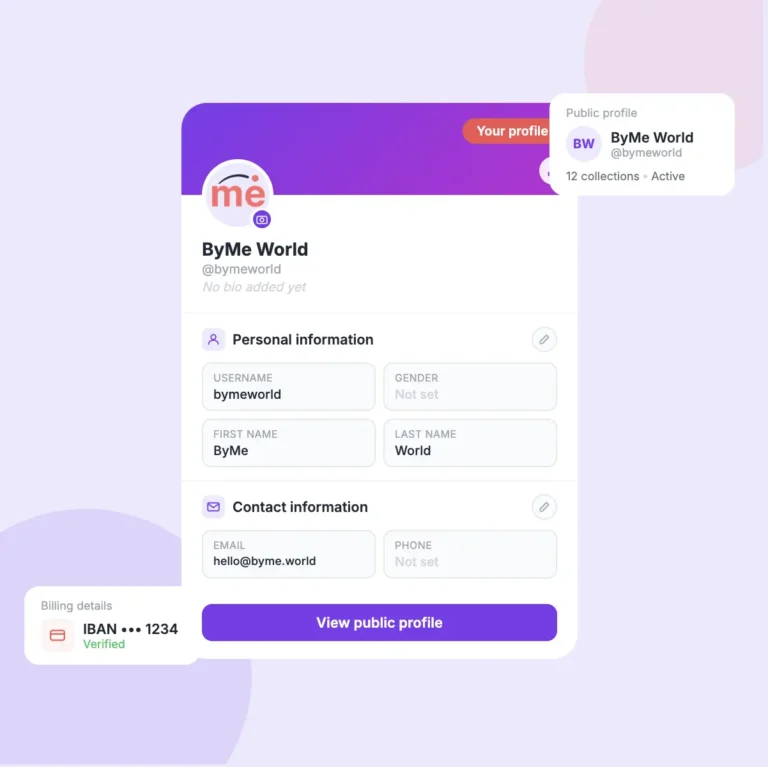
Before you can receive any commission payments, you need to set up your billing details. This guide explains both billing types and every field you need to fill in.
Maria Popescu
Creator Success Lead
What you'll learn
The difference between Private and Corporate billing
How to fill in your billing address correctly
Where to find your IBAN and SWIFT/BIC
How to avoid the most common mistakes that delay your payments
1
STEP ONE
Choose billing type & enter your name.
Start by selecting whether you are a private individual or a company. Then fill in your name exactly as it appears on your bank accoun
Select Private if you are an individual creator
Select Corporate if you earn through a registered company
Full name, first name, and last name are all required
Corporate users will see a Company Name field instead of first/last name
2
STEP TWO
Fill in your billing address.
This is the address associated with your bank account. It must match exactly what your bank has on file.
Country — the country where your bank account is registered
Zip / post code — your postal code
City — type it manually if it doesn’t appear automatically
Address — your full street address including number
3
STEP THREE
Enter your bank account details.
This is where your commission payments will be sent. Have your bank details ready before filling this in.
IBAN — your full bank account number in standard IBAN format (e.g. RO49AAAA…)
SWIFT / BIC — your bank’s international code, 8 or 11 characters. Find it on your bank’s website or app
Bank name — the name of your bank (e.g. ING, BCR, Revolut)
Bank country & address — the location of your bank’s branch
Warning
Double-check your IBAN and SWIFT/BIC carefully. A wrong digit means your payment goes to the wrong account.
Related tutorials
Short, clear, practical guides. Learn how the platform works, how to grow your earnings, and how to manage your collections.