Tutorial

Updated April 5, 2026
How to create your account
Creating a ByMe account takes less than 2 minutes. Follow these 3 steps and you’ll be ready to start building collections and earning commissions.

Step-by-step guide

Follow these simple steps to build your first collection and start monetizing your audience

01

Fill in your details or sign up with Google

Go to the ByMe registration page. You have two ways to create your account — pick whichever is easier for you.

  • Click Continue with Google to sign up instantly using your Google account — no password needed
  • Or enter your email address and create a password manually
  • Your password must have at least 6 characters, one uppercase letter, one lowercase letter, one number, and one special character (e.g. !, @, #)
  • Tick the Terms & Conditions box — you must agree before registering
  • Click Register when you’re done

If you already use Google, signing up with Google is the fastest option — it skips the password step entirely.

signup-form

02

Check your email for the activation link

After registering, ByMe will send an email to the address you signed up with. You need to click the link inside to activate your account.

  • Open your email inbox and look for an email from [email protected]
  • The subject line is Verify email address | ByMe
  • Click the Activate account button inside the email
  • If the button doesn’t work, copy the link in the email and paste it into your browser
  • Can’t find the email? Check your spam or junk folder

The activation email usually arrives within 1–2 minutes. If it doesn't show up, check your spam folder first.

03

Log in to your account

Once your email is activated, head back to the ByMe app and log in for the first time.

  • Go to the ByMe login page
  • Enter the same email and password you registered with
  • Or click Continue with Google if you signed up that way
  • Click Sign in and you’re in!

You only need to activate your account once. After that, just log in normally every time.

signin-form

Tips for better collections

Follow these best practices to create collections that resonate with your audience and drive more conversions

Check your spam

If you don’t see the activation email within 2 minutes, check your spam or junk folder.

Use a strong password

Use a mix of uppercase, lowercase, numbers, and special characters to keep your account safe.

Google is fastest

Signing up with Google skips the email activation step and gets you into the app immediately.

Account created — now set up your profile

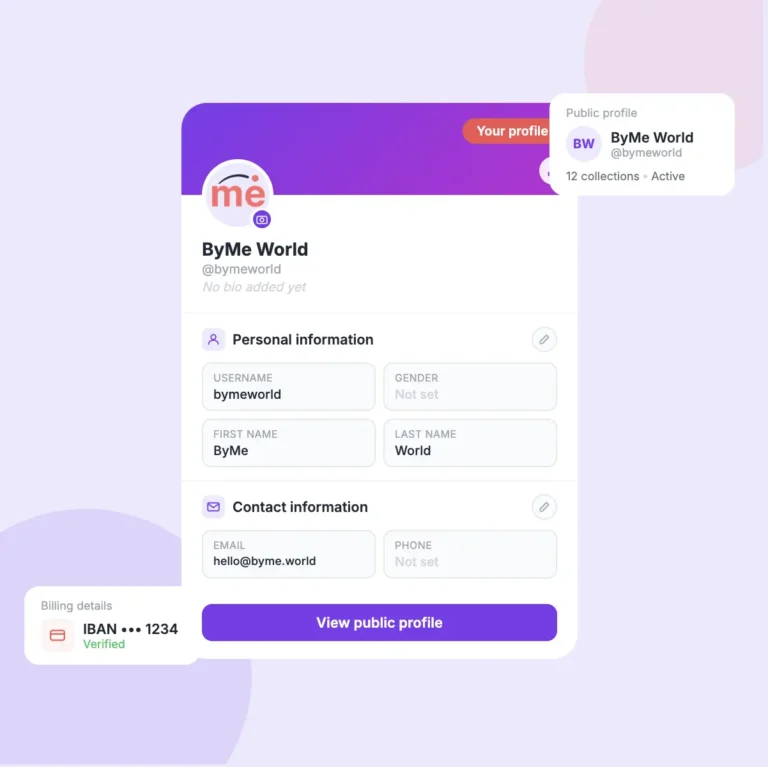
Your next step is to complete your profile so your followers know who you are and you can start getting paid.

Related Tutorials

Continue learning with these helpful guides

Tutorial balance withdrawal

How to check your Balance

You've been earning — now let's make sure you know exactly where your money is, what it means, and how to get it paid out to your bank account.
April 7, 2026

Read Tutorial

Link works cover

How your special link works

Every time you share a collection or a product, you share a unique link that belongs only to you. Here's exactly how it works and why it matters for your earnings.
April 7, 2026

Read Tutorial

How to share your collection with your followers

Sharing your collection is how you start earning. Every time someone buys through your link, you get a commission — so the more you share, the more you can earn.
April 7, 2026

Read Tutorial

Delete collection cover

How to delete a whole collection

Deleting a collection permanently removes it and all its products from your active feed. ByMe has a two-step confirmation to make sure it's never done by accident.
April 7, 2026

Read Tutorial

Delete product cover

How to delete a product from a collection

Removing a product from your collection takes just two taps. Here's what happens when you delete one — and what you need to know before you do it.
April 7, 2026

Read Tutorial

add_product_cover

How to add a product using a link (URL)

Adding a product to your collection is as simple as copying a link from any supported online store and pasting it into ByMe. Here's exactly how it works.
April 7, 2026

Read Tutorial