The whole playbook,
in plain English.

Step-by-step guides. Whether you’re publishing your first Collection or scaling past your thousandth sale — start here.

All tutorials & guides

Filter by what you’re trying to do.

add_product_cover

How to add a product using a link (URL)

Adding a product to your collection is as simple as copying a link from any supported online store and pasting it into ByMe. Here's exactly how it works.
June 5, 2026

Read

Billing Details

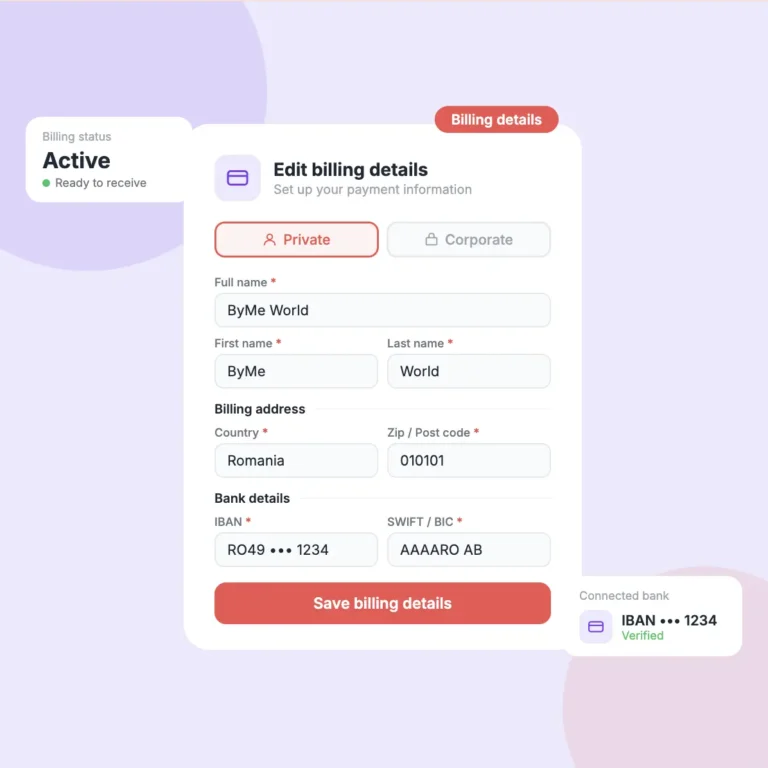
How to add your billing details

Before you can receive any commission payments, you need to set up your billing details. This guide explains both billing types and every field you need to fill in.
June 5, 2026

Read

Tutorial balance withdrawal

How to check your Balance

You've been earning — now let's make sure you know exactly where your money is, what it means, and how to get it paid out to your bank account.
June 5, 2026

Read

Howtocreateyouraccount

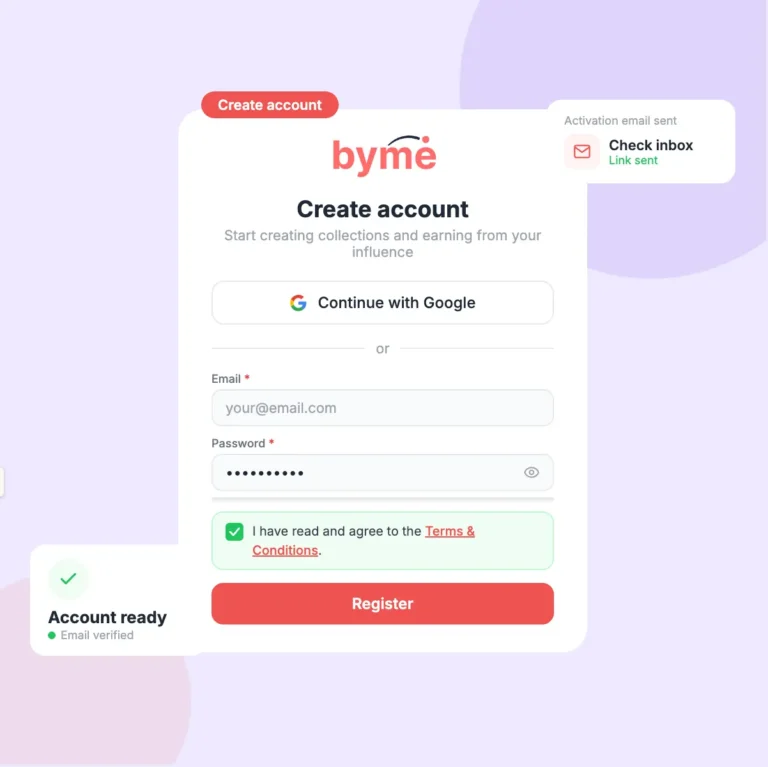
How to create your account

Creating a ByMe account takes less than 2 minutes. Follow these 3 steps and you'll be ready to start building collections and earning commissions.
June 5, 2026

Read

Create-collection

How to create your first collection

Creating a collection takes less than a minute. Give it a name, add a description and a cover photo — and you're ready to start adding products.
June 5, 2026

Read

Delete product cover

How to delete a product from a collection

Removing a product from your collection takes just two taps. Here's what happens when you delete one — and what you need to know before you do it.
June 5, 2026

Read

Delete collection cover

How to delete a whole collection

Deleting a collection permanently removes it and all its products from your active feed. ByMe has a two-step confirmation to make sure it's never done by accident.
June 5, 2026

Read

How to set up yout profile

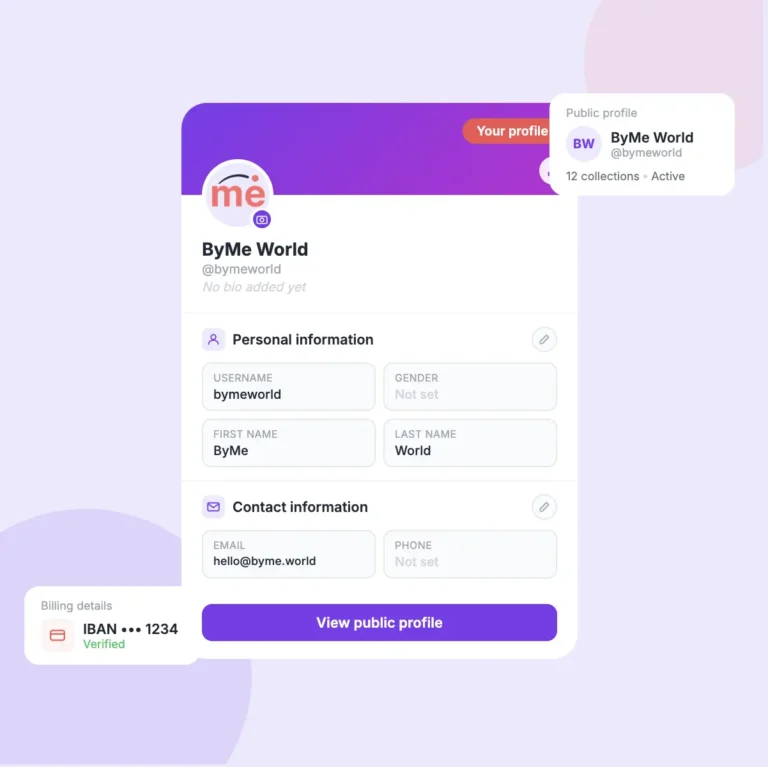
How to set up your profile

A complete profile builds trust with your followers and makes sure you actually get paid. Here's how to fill in every section.
June 5, 2026

Read

Still got questions?

A quick round-up of what creators ask most after their first week on ByMe.world. Can’t find your answer here — message support and we’ll come back inside 24 hours.

Talk to a human

Our team replies in plain English, usually within a few hours. Romanian welcome too.

From signed-in to share-ready, most creators finish in about 15 minutes. Adding products takes the longest — you just paste a link and we pull in the photo, title, and price for you.

Sales sit in pending until the merchant’s return window closes — usually 14 to 30 days. After that, balances move to available and we send them to your bank the next Friday. No buttons to press.

No. Some of our top creators have under 500 followers. The only thing that matters is that the people who do follow you trust what you share.

Send us the merchant URL. We onboard about a dozen new merchants every week, and creator requests are the first thing we look at.

Always. Add, remove, reorder, rename — anything you like. The share link stays the same, so whatever you posted yesterday still points at the latest version.

Never to join, never to publish. We take a small share of every commission we route to you — so we only earn when you do.

You’ve read enough.
Build the thing.

The fastest way to learn ByMe.world is to ship your first Collection. Pick three products you’d recommend to a friend, paste the links, share the page. Everything else clicks into place from there.